

Elevate Your Workflow: The Ultimate Portable Monitor & Screen Extender Collection
In an era where the world is your office, a single laptop screen often feels like a bottleneck to your true potential. Whether you are a data scientist crunching complex numbers, a creative professional editing high-resolution visuals, or a digital nomad managing multiple time zones, screen real estate is your most valuable asset.
Our Portable Monitor & Screen Extender collection is curated for those who refuse to compromise on productivity. We bridge the gap between desktop-grade multitasking and mobile freedom. Each device in this lineup is engineered with high-fidelity panels, seamless plug-and-play connectivity, and ergonomic mounting systems that transform any laptop into a high-powered workstation in seconds.
Experience the freedom of a portable pc monitor that packs into your bag as easily as a notebook, backed by our commitment to quality and technical excellence.
Technical Overview: Feature vs. Specification
To help you understand the hardware driving your new setup, we’ve broken down the core attributes across our flagship models.
| Feature | Specification |
| Panel Technology | IPS (In-Plane Switching) for wide viewing angles and accurate color reproduction. |
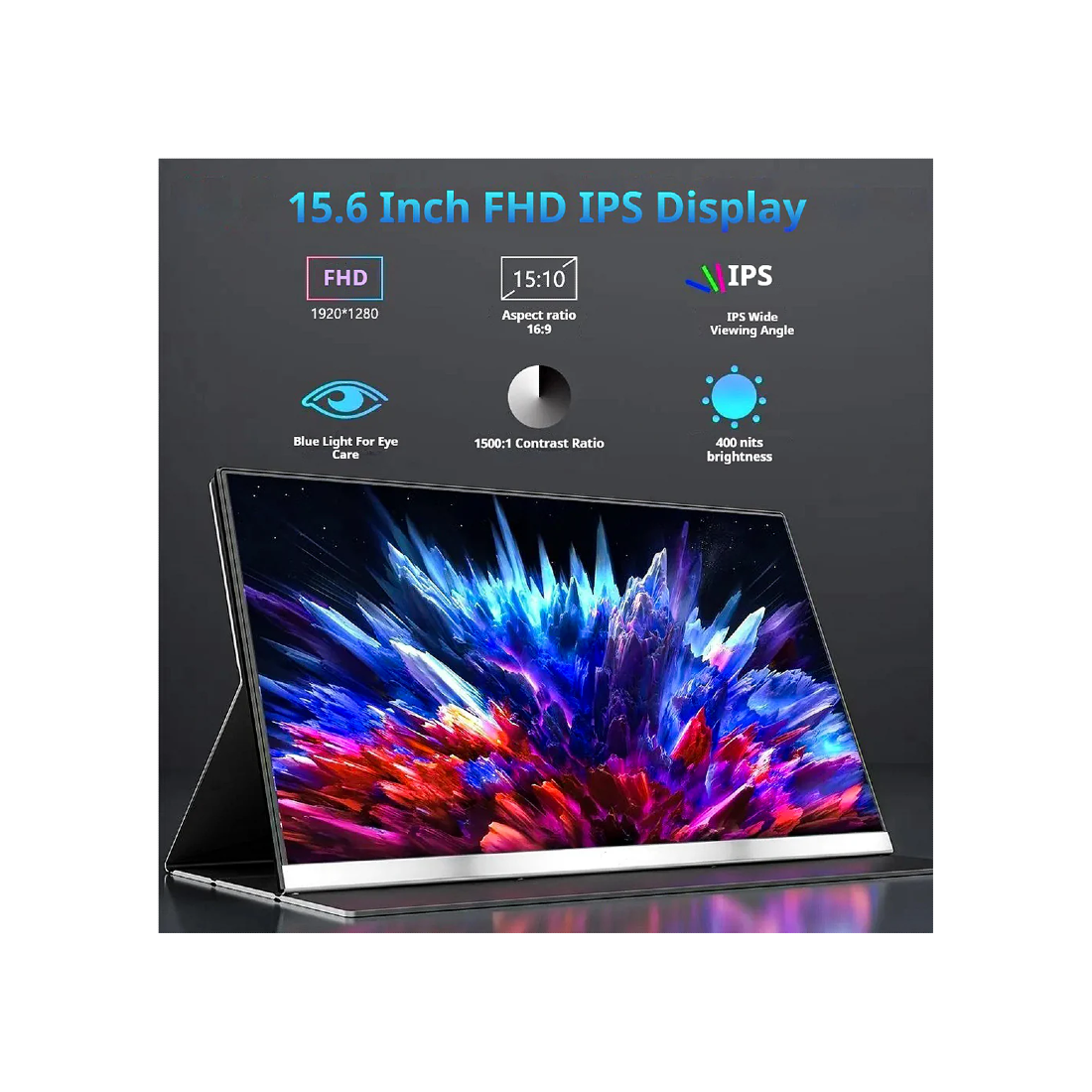
| Resolution | Full HD (1920 x 1080) to Quad HD, depending on the model, ensuring crisp text and sharp imagery. |
| Connectivity | Dual USB-C (Power & Video) and Mini-HDMI for universal compatibility with laptops, Macs, and consoles. |
| Display Sizes | Ranging from 14" for ultra-portability to 15.6" for maximum immersion. |
| Build Material | Lightweight, high-grade aluminum alloys and durable composites for travel-ready protection. |
| Refresh Rate | Standard 60Hz optimized for smooth office productivity and standard video playback. |
Curated Use-Cases: Finding Your Perfect Match
Choosing the right portable monitor depends entirely on your daily grind. We have categorized our top performers to help you decide which configuration fits your lifestyle.
The Ultimate Power User: Triple & Quad Setups
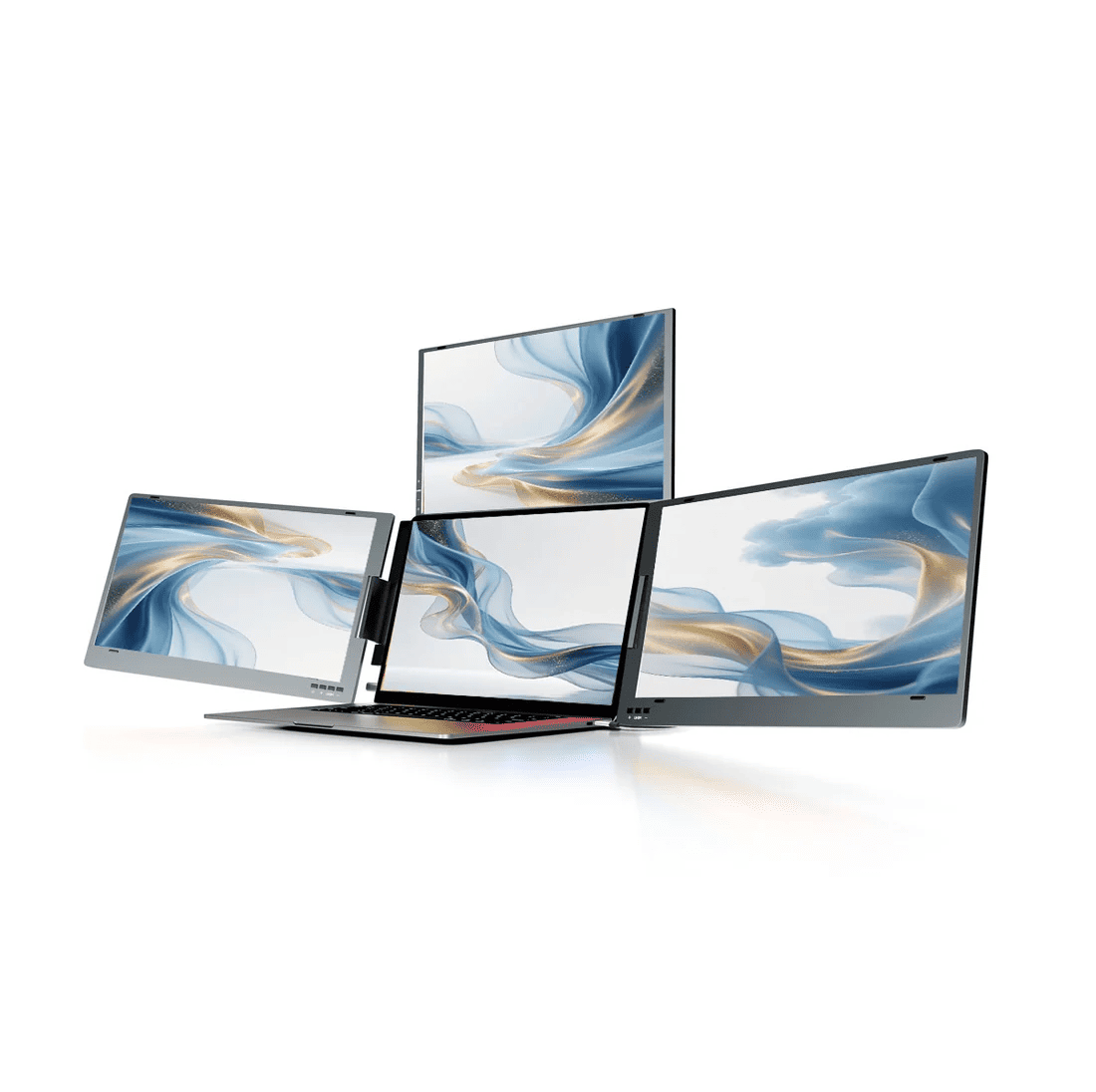
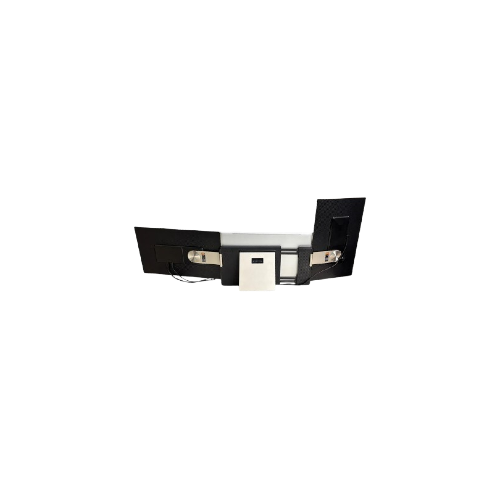
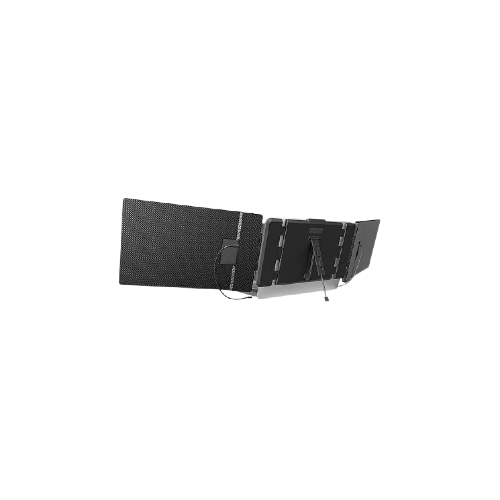
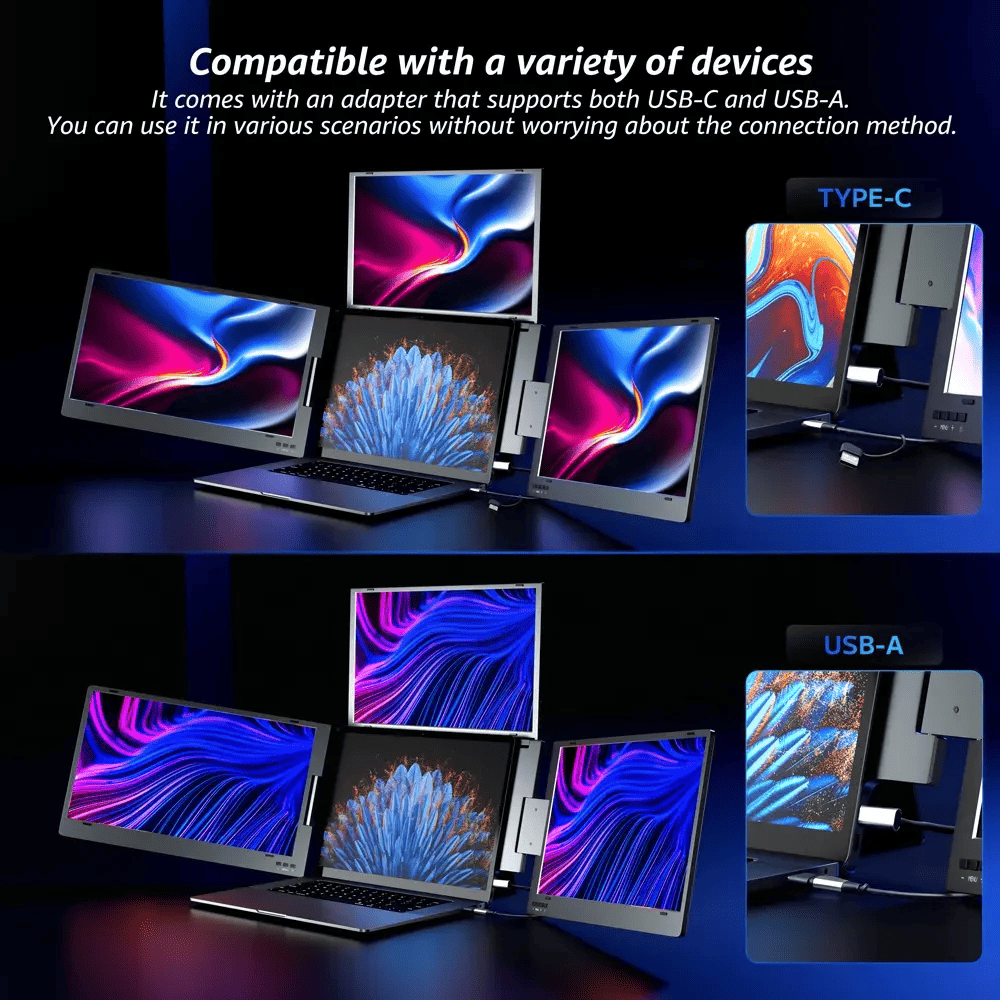
If your workflow involves monitoring live feeds, coding, and chatting simultaneously, the V2Com W3 Quad Screen Extender or the S6 Triple Screen is your best ally. These units wrap around your laptop, providing a panoramic view that eliminates the need for constant "Alt-Tabbing."
Best for: Stock traders, developers, and project managers.
The Minimalist Professional: Single Screen Portability
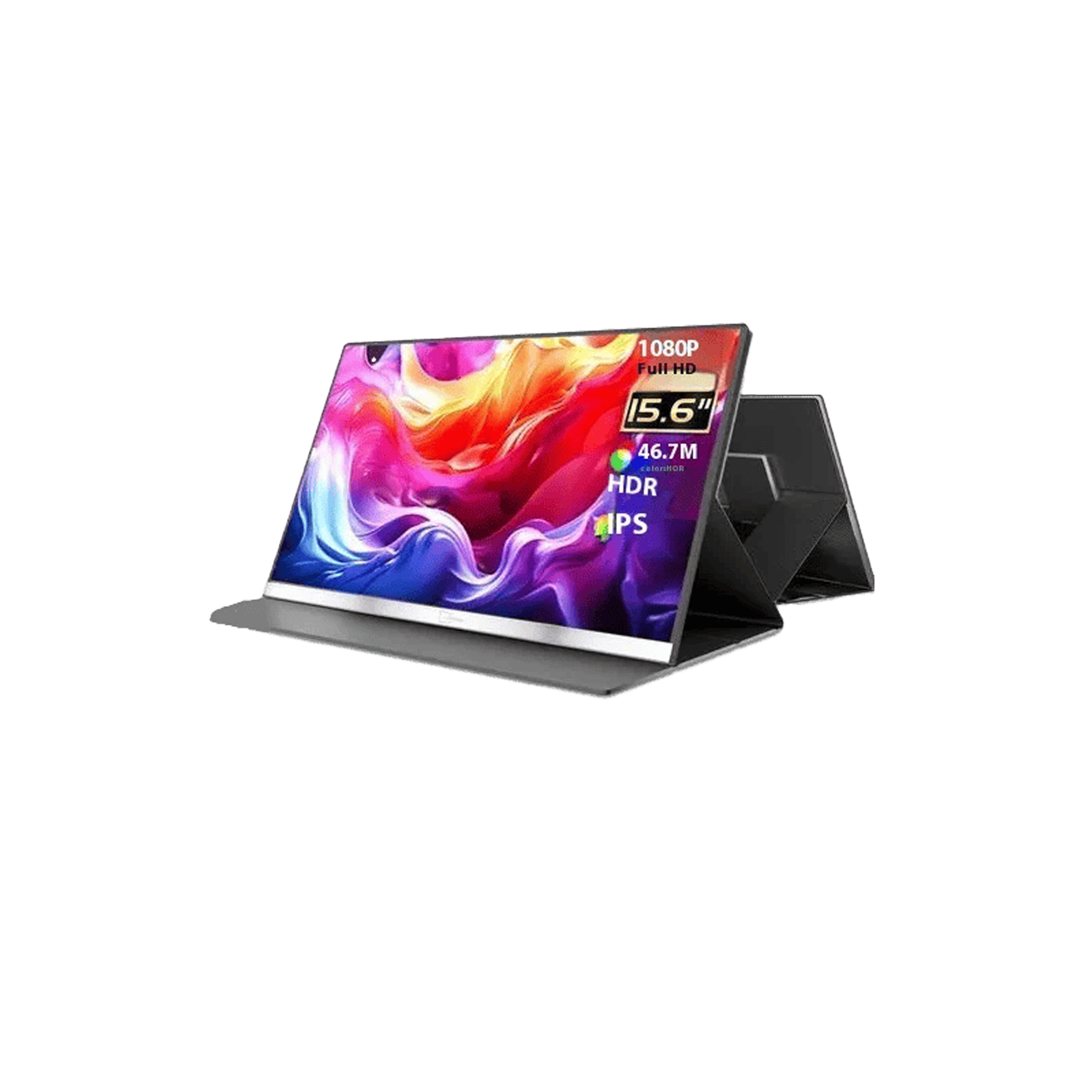
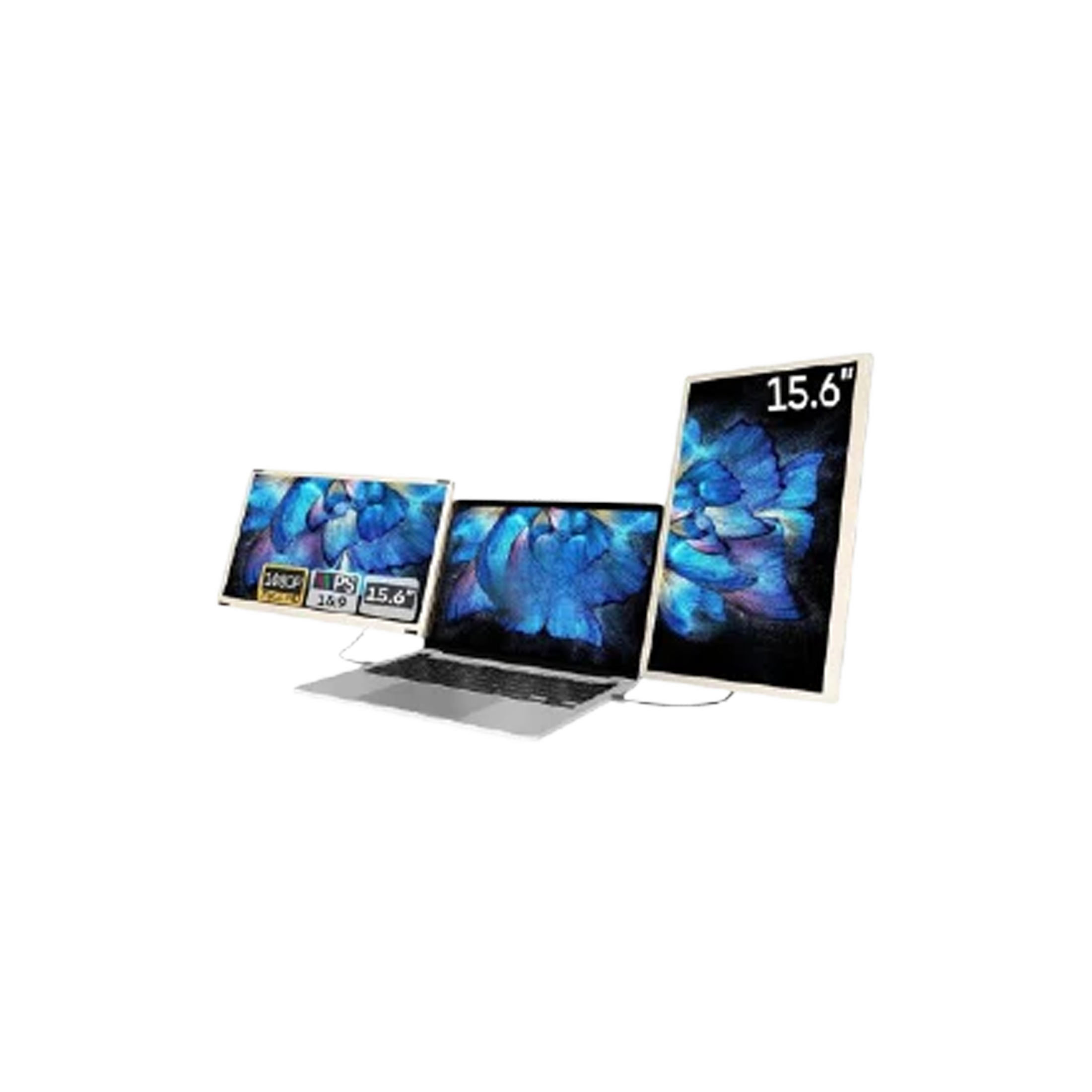
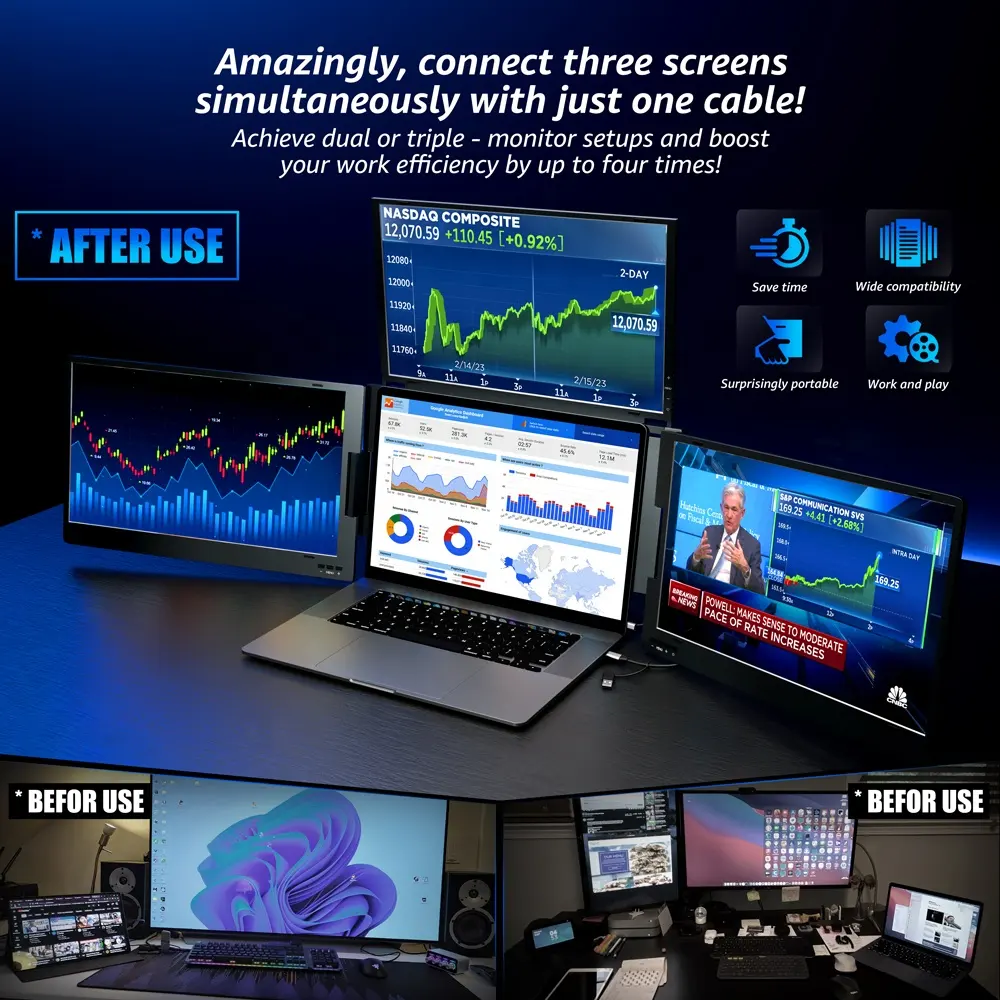
Sometimes, you just need one extra window for your references or a dedicated screen for client presentations. The V2Com P4 15.6″ Portable Screen offers a sleek, standalone portable computer screen experience that functions perfectly as a secondary portable desktop monitor.
Best for: Sales reps, students, and consultants.
The Commuter’s Choice: Compact Efficiency
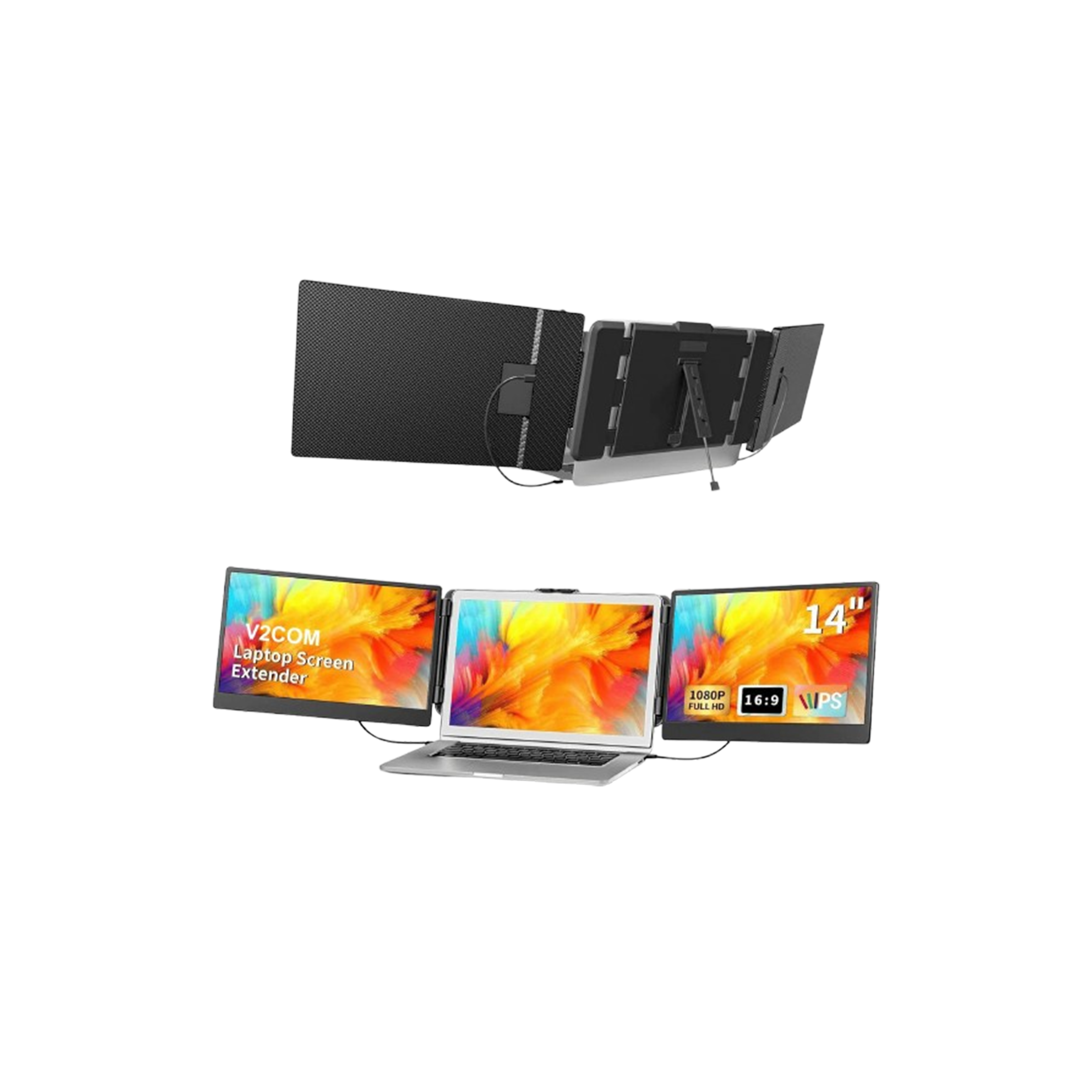
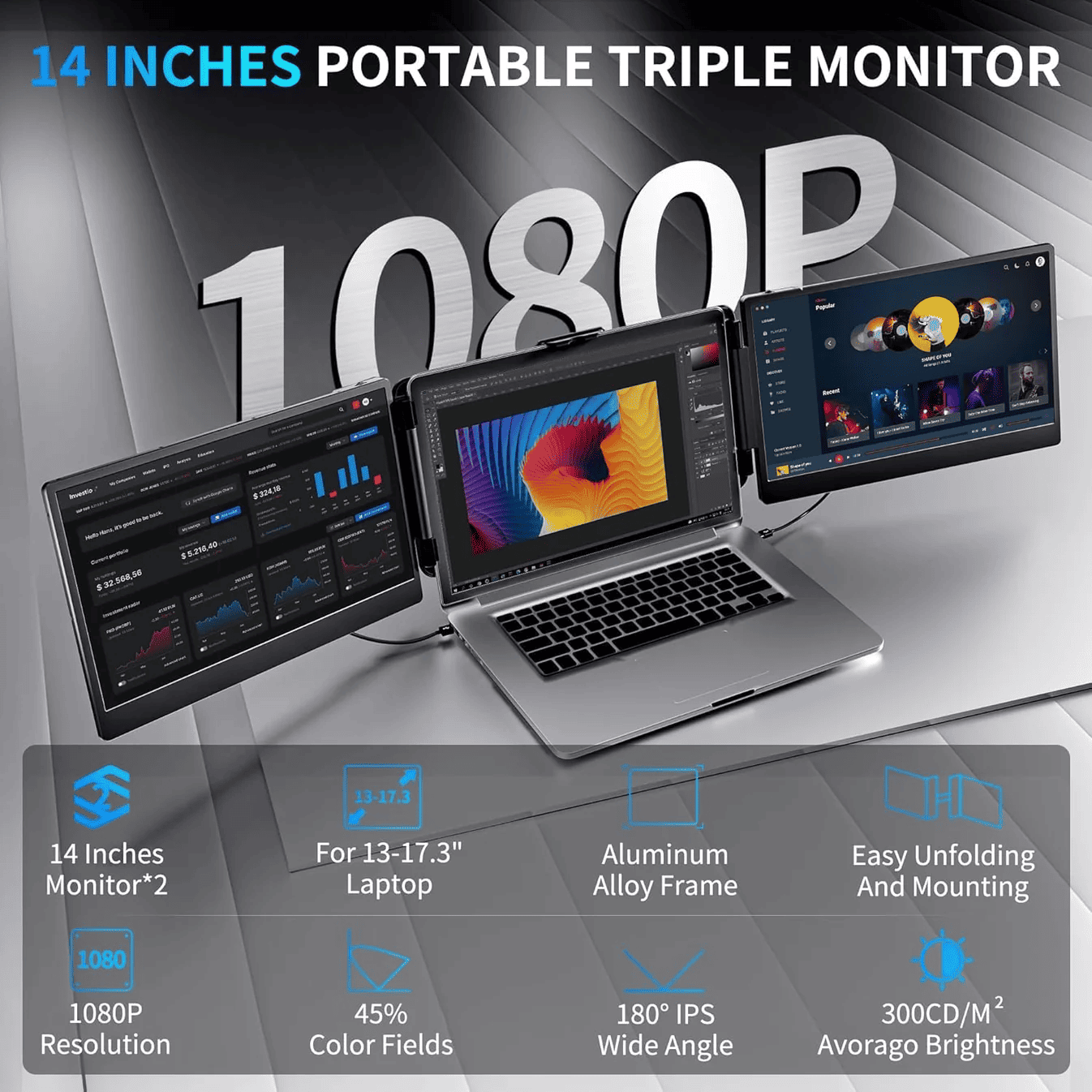
For those working on smaller 13" or 14" laptops, the V2Com S2 14″ FHD Triple Screen is designed to maintain a small footprint while doubling your digital workspace. It’s the perfect balance of weight and utility.
Best for: Frequent flyers and coffee-shop workers.
Portable Screen Comparison Table
| Model | Screen Size | Configuration | Best Use-Case |
| V2Com W3 | 15.6" | Quad Screen (4 Screens Total) | Extreme Multitasking |
| V2Com P4 | 15.6" | Single Standalone | Presentations / Simple Extension |
| V2Com S6 | 15.6" | Triple Screen (3 Screens Total) | Professional Productivity |
| V2Com S2 | 14.0" | Triple Screen (3 Screens Total) | Highly Mobile / Compact Laptops |
Why Invest in Our Screen Extenders?
When you buy a portable computer monitor from this collection, you aren't just buying hardware; you’re investing in a more efficient version of yourself.
- Authenticity Guaranteed: Every V2Com unit is sourced directly and tested for panel backlight consistency and hinge durability.
- Plug & Play: No complicated drivers. If your laptop supports USB-C video output, you are ready to go.
- Warranty & Support: We provide comprehensive local warranties and technical support to ensure your "office anywhere" never goes dark.
Frequently Asked Questions (FAQs)
Q: Will a portable monitor drain my laptop battery quickly?
A: While these screens draw power from your laptop via USB-C, they are designed with energy-efficient LED backlighting. For extended sessions, we recommend connecting your laptop to its power source.
Q: Do I need specific software to use a triple screen extender?
A: Most of our units, like the V2Com S6, utilize standard video protocols. If your laptop has fully functional USB-C ports (DisplayPort Alt Mode), it is a simple plug-and-play experience.
Q: Can I use these portable screens with a MacBook?
A: Yes! Our portable pc monitor range is compatible with both Windows and macOS. Please check your specific MacBook model for the number of external displays supported by your chip (M1, M2, M3).