

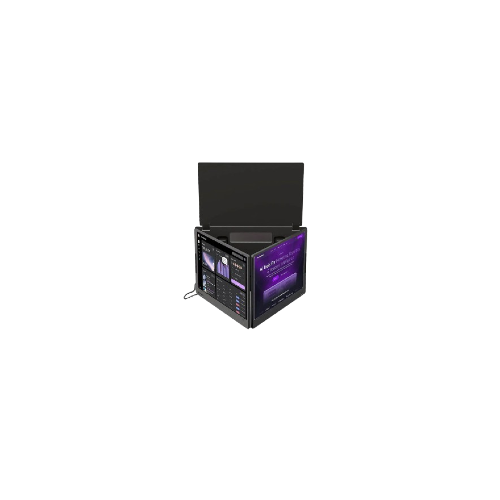

V2Com W3 15.6" Quad Screen Extender
Description
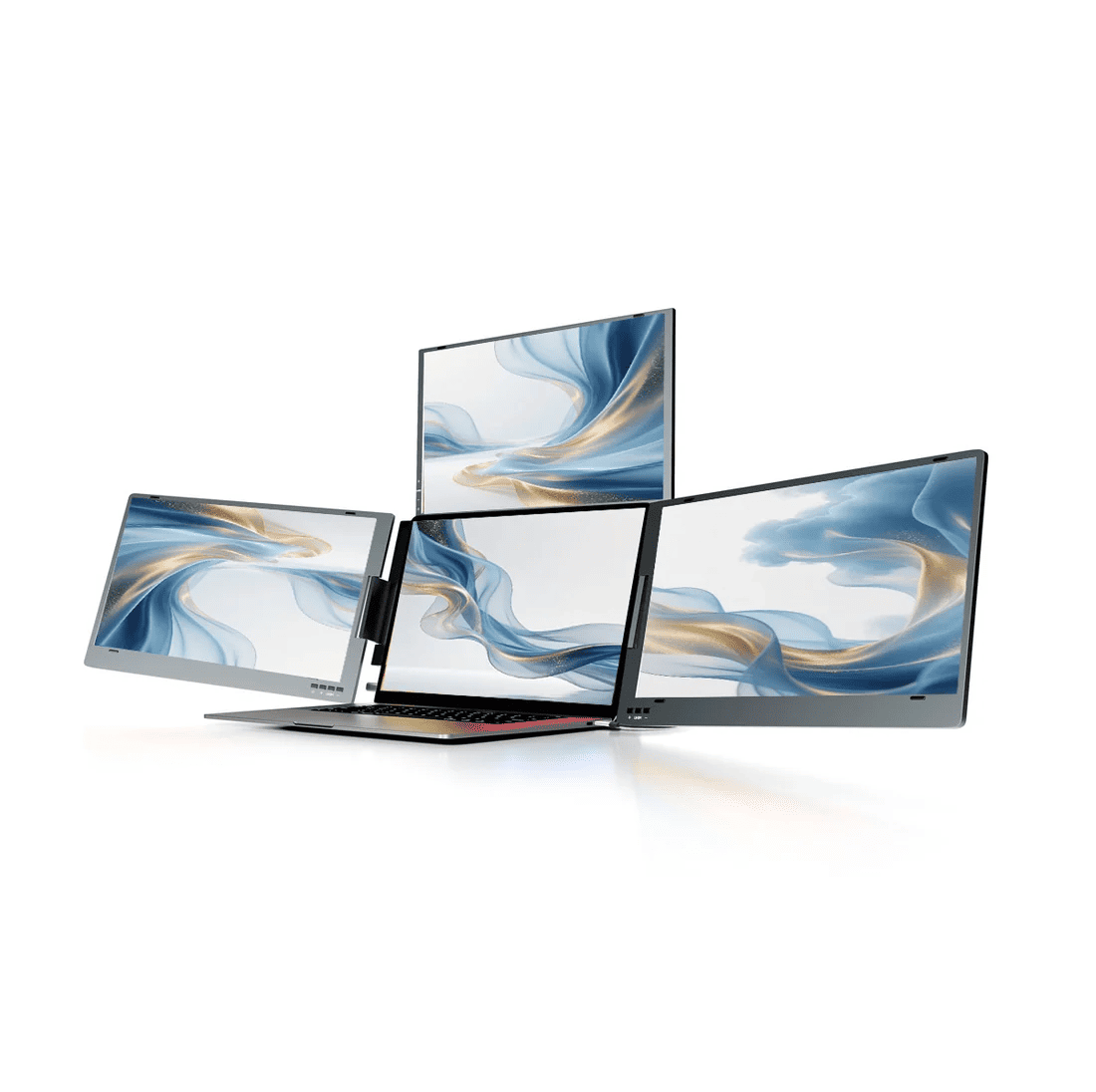
Revolutionize your workflow with the V2com W3, a groundbreaking quad-screen extender designed for high-level productivity. Unlike standard dual-screen setups, the W3 provides three additional 15.6-inch displays that attach directly to your laptop, creating a panoramic workstation. Tailored for software developers, financial analysts, and creative professionals, this innovation eliminates the need for constant tab-switching, allowing you to manage complex projects with unprecedented ease and speed.
V2com W3 Specifications
| Feature | Specification |
| Model | V2com W3 |
| Display Configuration | Triple Screen Extension (Total 4 Screens) |
| Screen Size | 15.6-inch (per screen) |
| Panel Type | IPS (High Color Accuracy) |
| Resolution | Full HD (1920 x 1080) |
| Brightness | 300 cd/m² |
| Connectivity | 2x USB-C (Full Function), 1x Mini HDMI |
| Compatibility | 15.6" to 17.3" Laptops |
| Rotation Angle | 235-degree maximum folding |
| Weight | Ergonomically balanced for large laptops |
| Power Support | USB-C Power Delivery (PD) |
| Additional Features | Built-in Kickstand, Blue Light Filter |
V2com W3 Details

The Power of Quad-Screen Real Estate
The V2com W3 is more than an accessory; it is a portable command center. By adding three high-definition IPS screens to your laptop, you effectively quadruple your digital workspace. The 15.6-inch panels offer vibrant Full HD resolution, perfect for monitoring live data, coding, or managing multiple communication channels simultaneously.

Seamless Integration & Stability
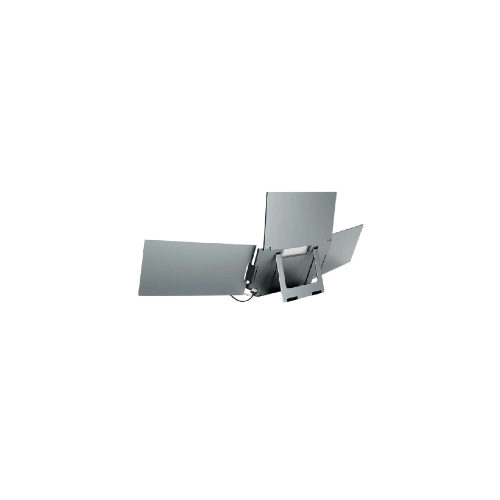
Designed for larger laptops (15.6" to 17.3"), the W3 features a robust mounting system and a built-in adjustable kickstand. This ensures that your laptop hinge remains protected while providing a stable viewing experience. The "Plug and Play" nature of the USB-C connectivity means you can go from a single screen to a quad-setup in under a minute.

Built for the High-Performance Professional
With a 235-degree rotation range, you can share your screen with colleagues during meetings or fold the panels into a compact "pod" for solo deep-work sessions.
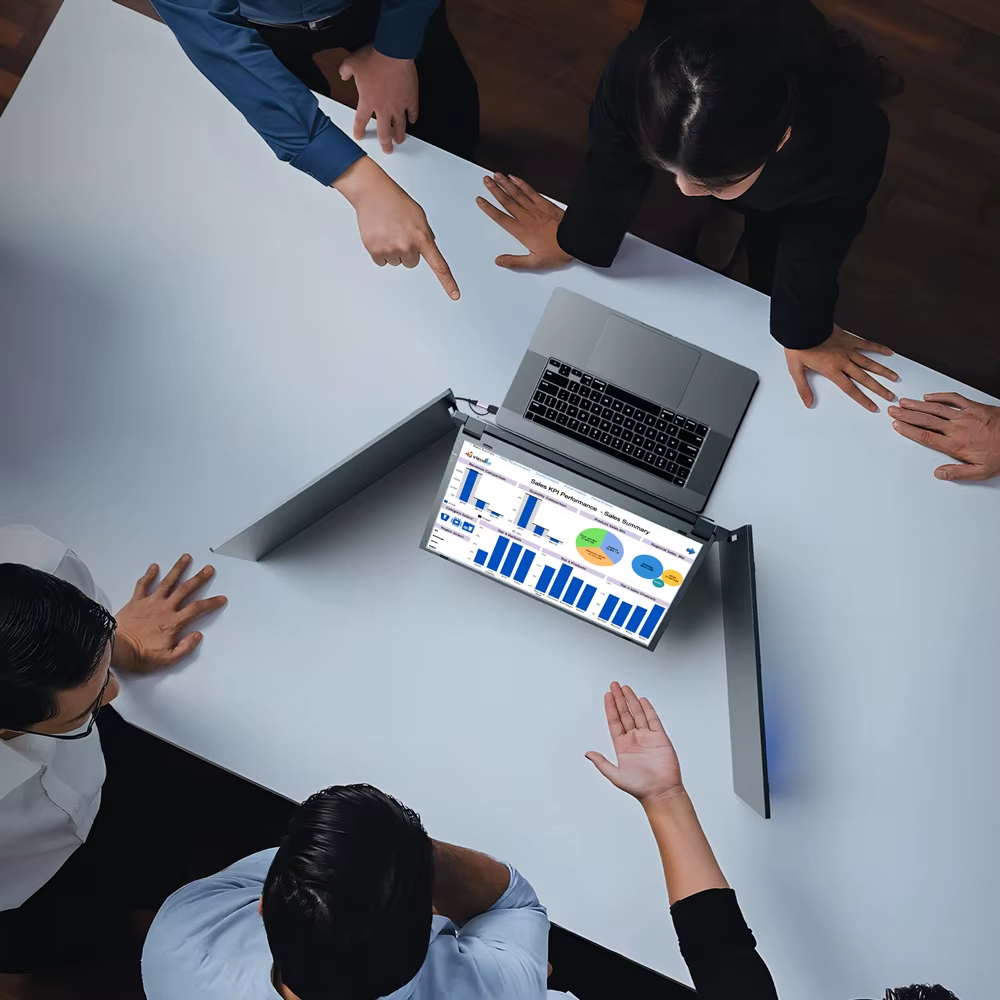
💡 Egypt tip: Ideal for remote consultants working in high-energy environments like New Cairo hubs—turn any desk into a full-scale office suite instantly.
FAQs
Will the V2com W3 fit my 14-inch laptop?
The W3 is optimized for larger laptops ranging from 15.6 to 17.3 inches to ensure proper frame fit and weight distribution.
How many cables do I need to connect all screens?
Depending on your laptop's USB-C ports, you can often power all screens with just two Full-Function USB-C cables.
Does V2com W3 support MacBook?
Yes, it supports Mac systems, though M1/M2/M3 "base" chips may require a specific driver or hub to support multiple external displays.
Is the screen bright of V2com W3 enough for outdoor use?
With a 300-nit brightness, it performs exceptionally well in indoor and shaded outdoor environments.
Does the V2com W3 screen drain my laptop battery quickly?
Running four screens total does consume more power; we recommend keeping your laptop connected to its charger during use.