

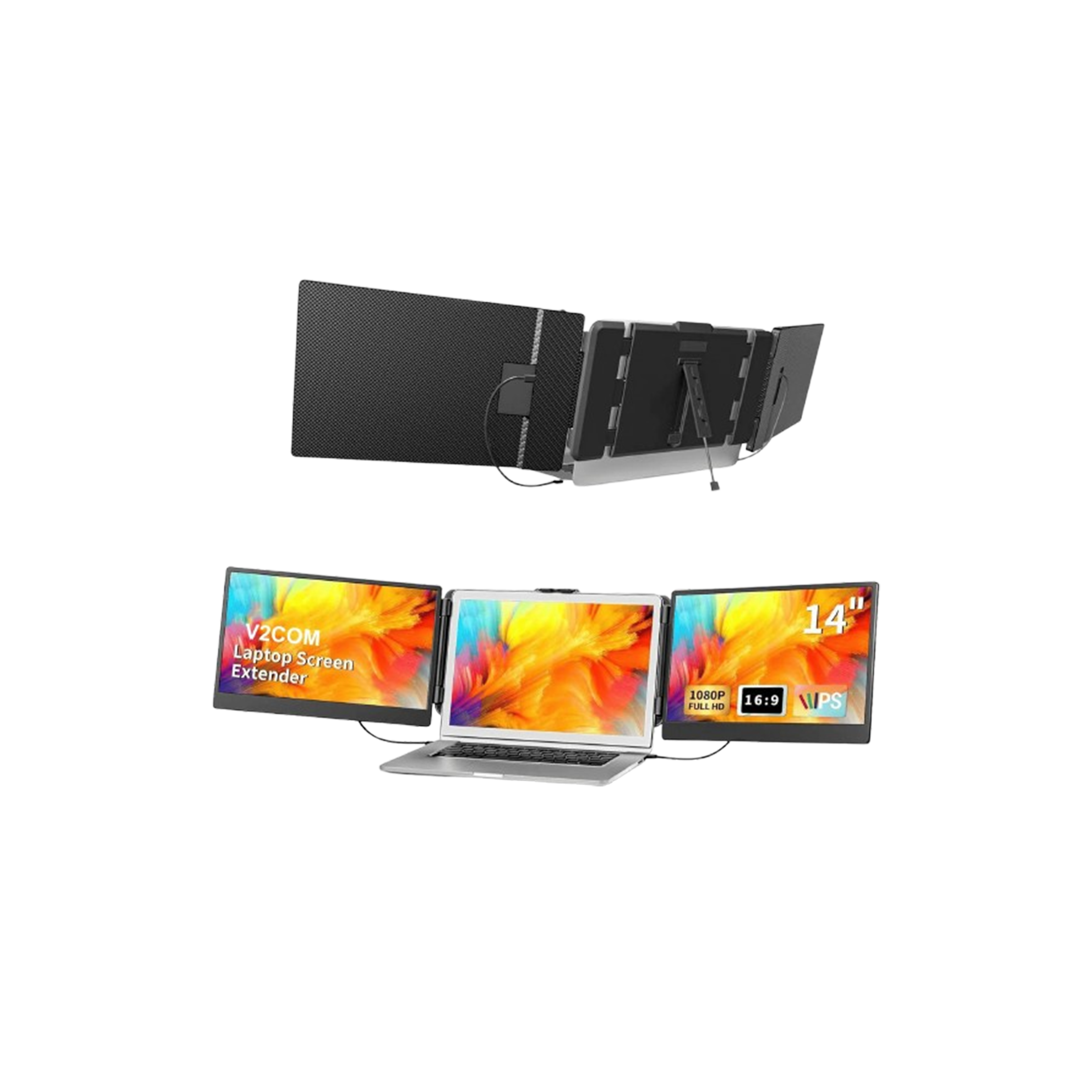

V2Com S2 14″ FHD 1080P Triple Portable Screen Extender
Description
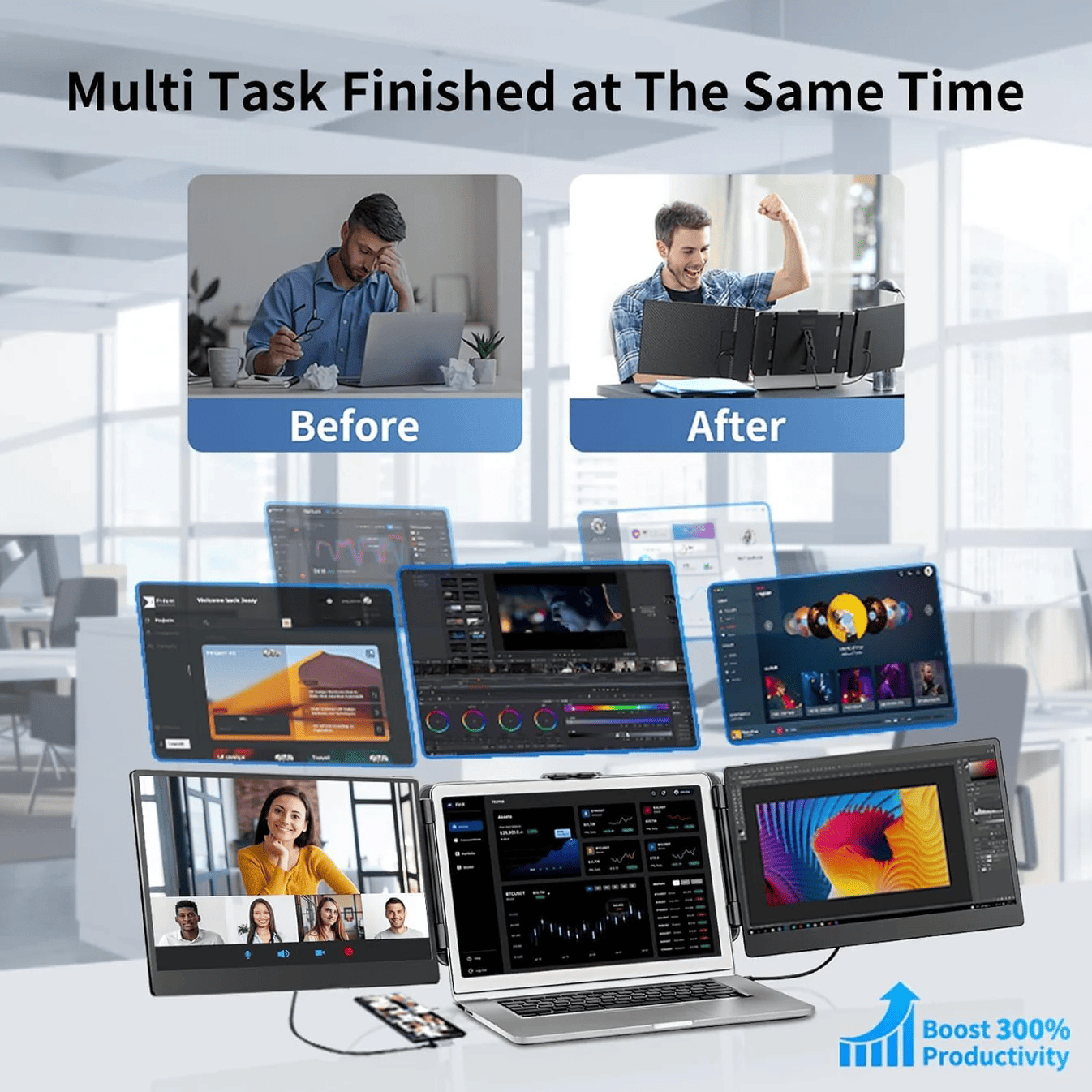
In an era where efficiency is everything, the V2com S2 stands as the ultimate productivity hack for the modern professional. This 14-inch triple-screen extender is meticulously designed to provide a high-resolution, multi-monitor experience without the bulk of a traditional office setup. Whether you are analyzing complex datasets, managing multiple remote teams, or editing creative content, the S2 transforms your laptop into a powerful workstation in seconds, allowing you to breeze through your to-do list with up to 300% more screen real estate.
V2Com S2 Specifications
| Feature | Specification |
| Model | V2com S2 |
| Display Configuration | Dual External Screens (Triple Display Total) |
| Screen Size | 14-inch (Dual Panels) |
| Panel Type | IPS (Full Viewing Angle) |
| Resolution | Full HD (1920 x 1080) |
| Refresh Rate | 60Hz |
| Aspect Ratio | 16:9 |
| Connectivity | 2x USB-C (Full Function), 1x Mini HDMI per side |
| Compatibility | 13" to 17" Laptops (Windows, macOS, Android) |
| Rotation Angle | 207° Maximum Folding |
| Power Support | USB-C Power Delivery (PD) |
| Weight | Lightweight Portability Optimized |
| Additional Features | Retractable Hidden Kickstand, Blue Light Filter |
V2Com S2 Details
Vivid Visuals & Seamless Multitasking
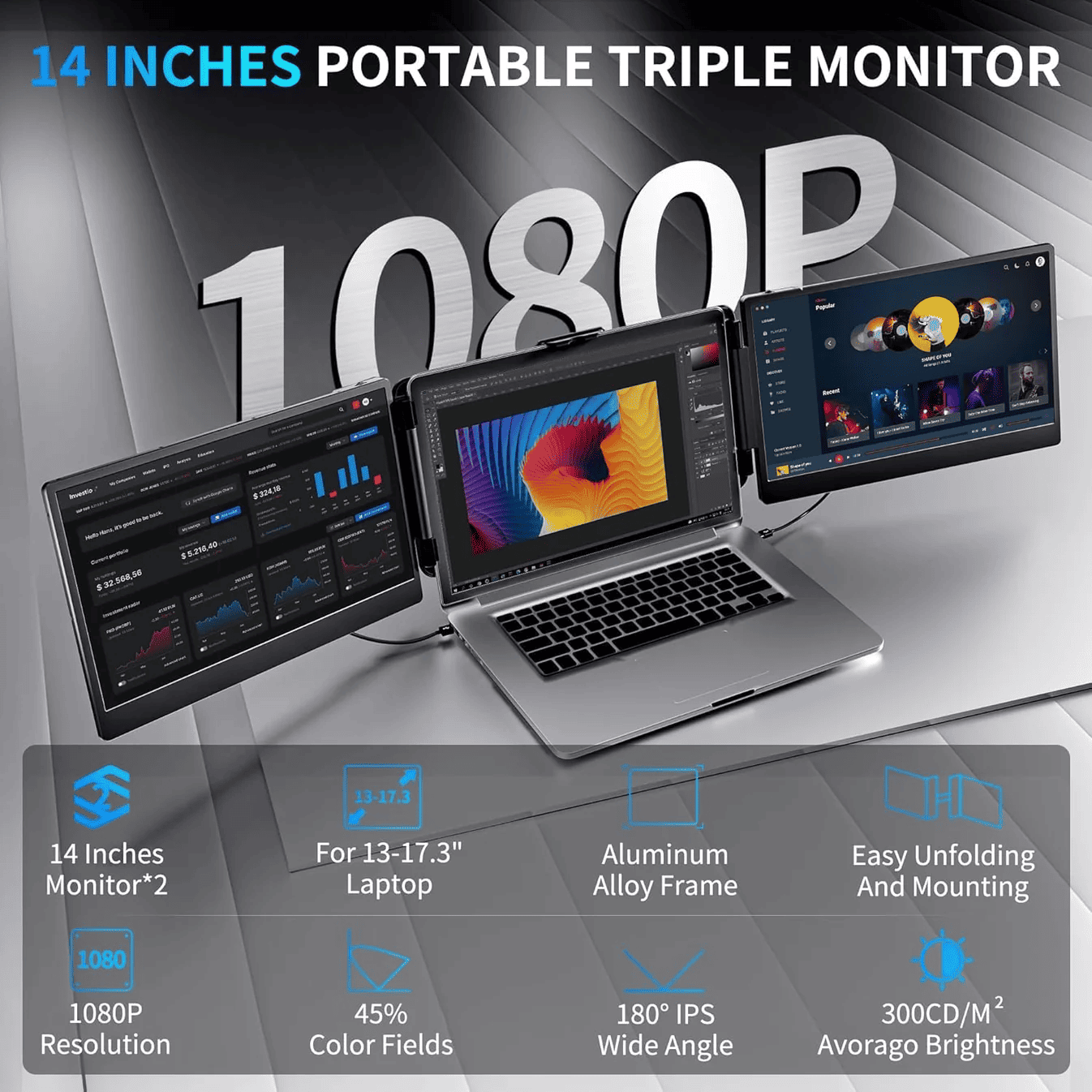
The V2com S2 features dual 14-inch Full HD IPS panels, delivering vibrant colors and 178-degree viewing angles. Unlike smaller extenders, the 14-inch size hits the "sweet spot" of providing enough space for complex windows while remaining highly portable. The anti-glare coating ensures that your focus remains on your work, not on distracting reflections.
Universal Compatibility & Smart Design
Equipped with a flexible, spring-loaded bracket, the S2 fits laptops ranging from 13 to 17 inches. It is truly cross-platform, supporting Windows, macOS (including Intel and M-series), and even compatible Android smartphones. The "Plug and Play" connectivity means you can jump into a meeting or a deep-work session without fumbling with complex drivers.

Reliable Stability for the On-the-Go Professional
Safety and stability are at the core of the S2’s design. It includes a built-in, retractable kickstand that alleviates pressure from your laptop's hinges, ensuring your setup remains sturdy on any surface.
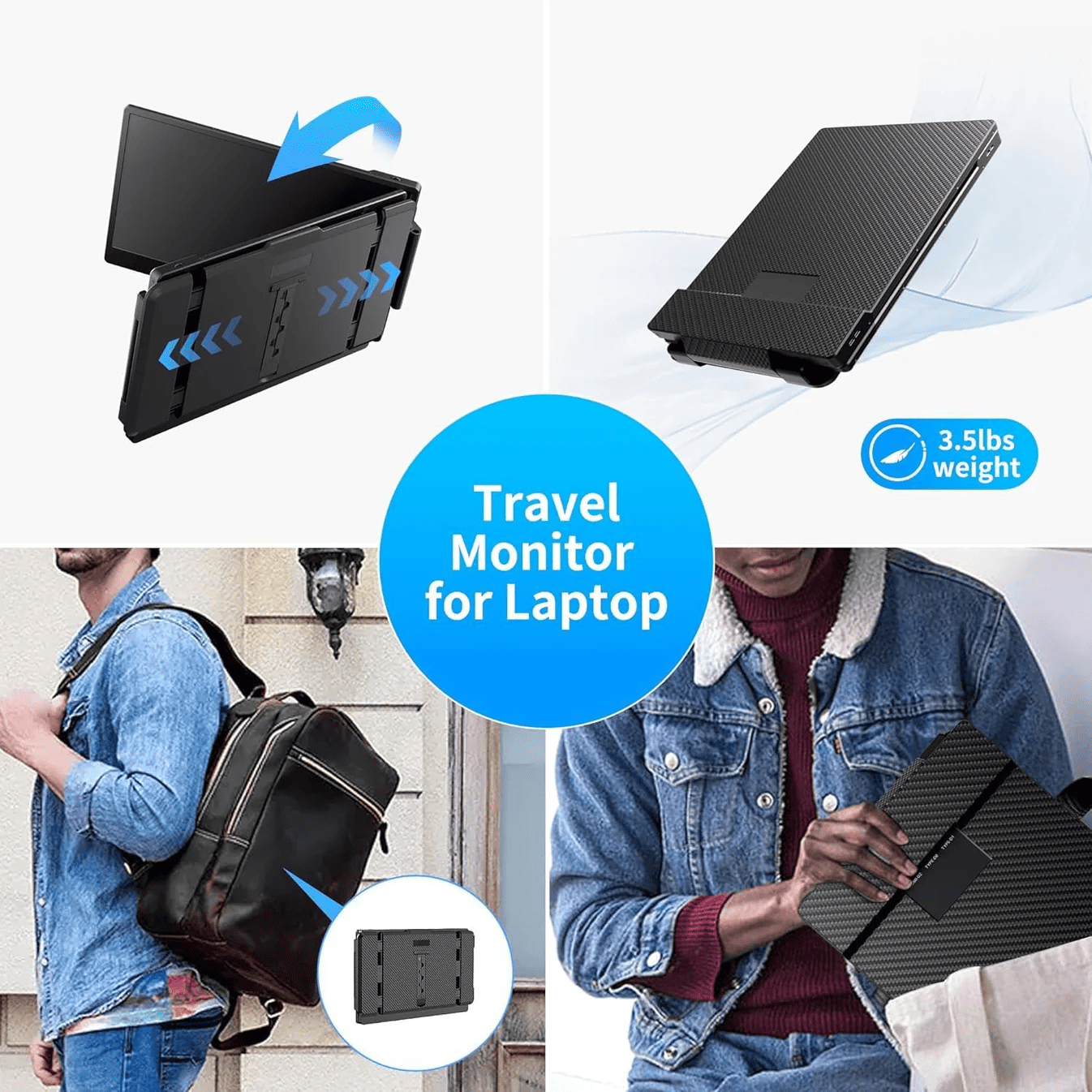
💡 Egypt tip: The S2 is a game-changer for digital nomads working in high-energy spots like New Cairo or Maadi. Its compact folding design means you can pack a three-screen office into a standard backpack with ease.
FAQs
Can I connect the V2com S2 using only one cable?
If your laptop has two Full-Function USB-C ports, you can typically connect each screen with a single cable. For laptops with limited ports, a combination of USB-C and HDMI (with an external power source) may be used.
Is the V2Com S2 compatible with the MacBook M1/M2/M3?
Yes, it is compatible. However, please note that the "Base" versions of M-series chips may require a specific hub or driver (included/available) to output to two external screens simultaneously.
Does the V2Com S2 drain my laptop's battery quickly?
Powering two extra screens does consume more energy. We recommend keeping your laptop plugged into a power source or using a high-capacity power bank with PD support.
Is the kickstand of the V2Com S2 adjustable?
Yes, the S2 features a hidden, retractable kickstand at the back that allows you to adjust the angle and provide better support for the additional weight.
Can I use the V2Com S2 independently?
Absolutely. Each screen can be used for a different application, or you can mirror your main display if you are presenting to someone sitting across from you.
What is the difference between the S2 and the S6?
The S2 uses 14-inch panels, making it slightly more compact and ideal for those prioritizing maximum portability over the larger 15.6-inch panels found on the S6.