

Filters
17 products
Installment Plans
0% Interest
Installment Plans
0% Interest

Installment Plans
0% Interest

Installment Plans
0% Interest
Installment Plans
0% Interest
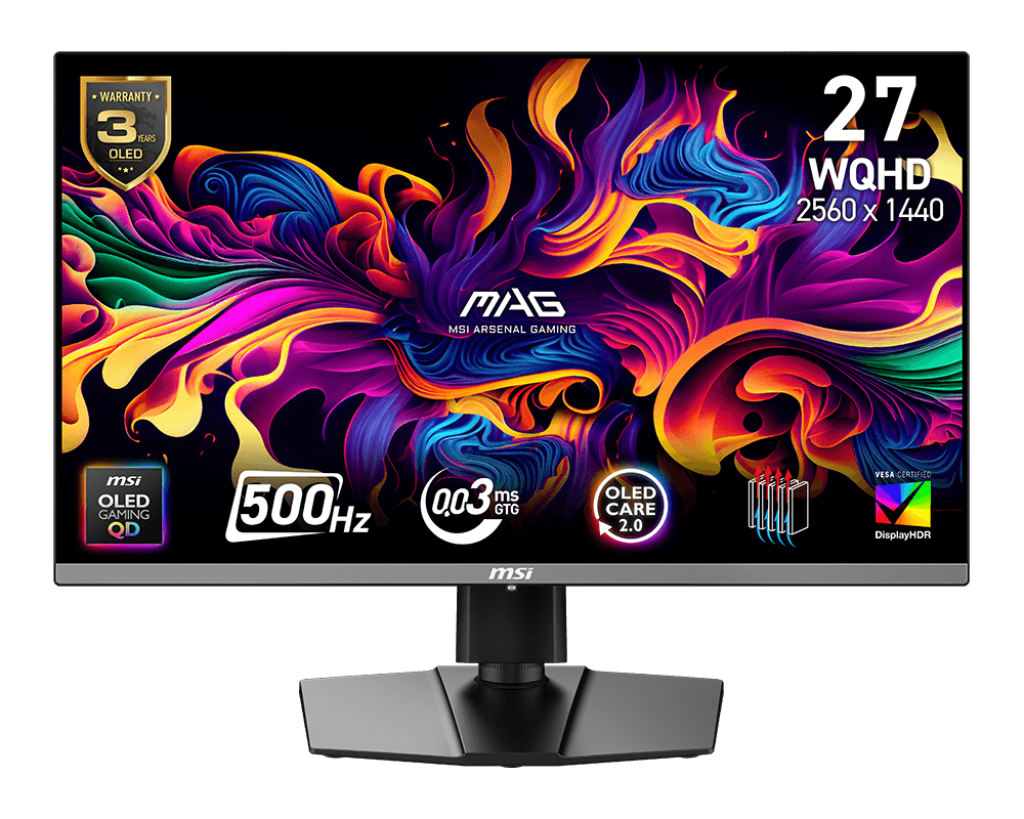
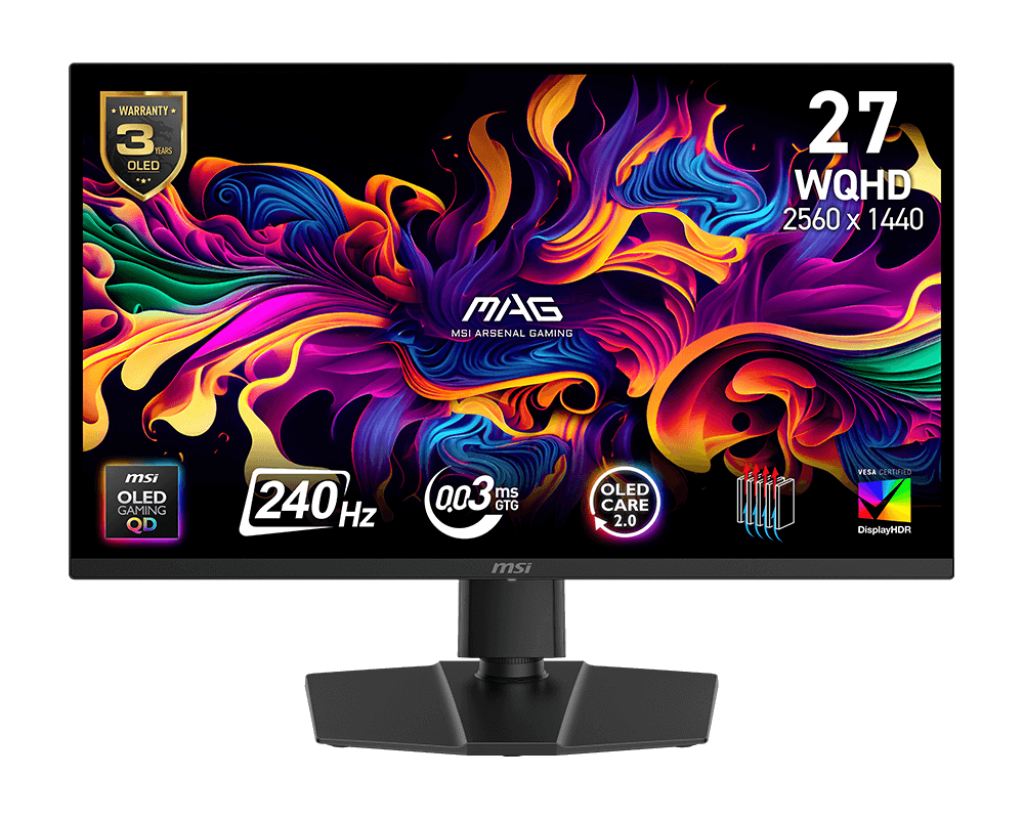
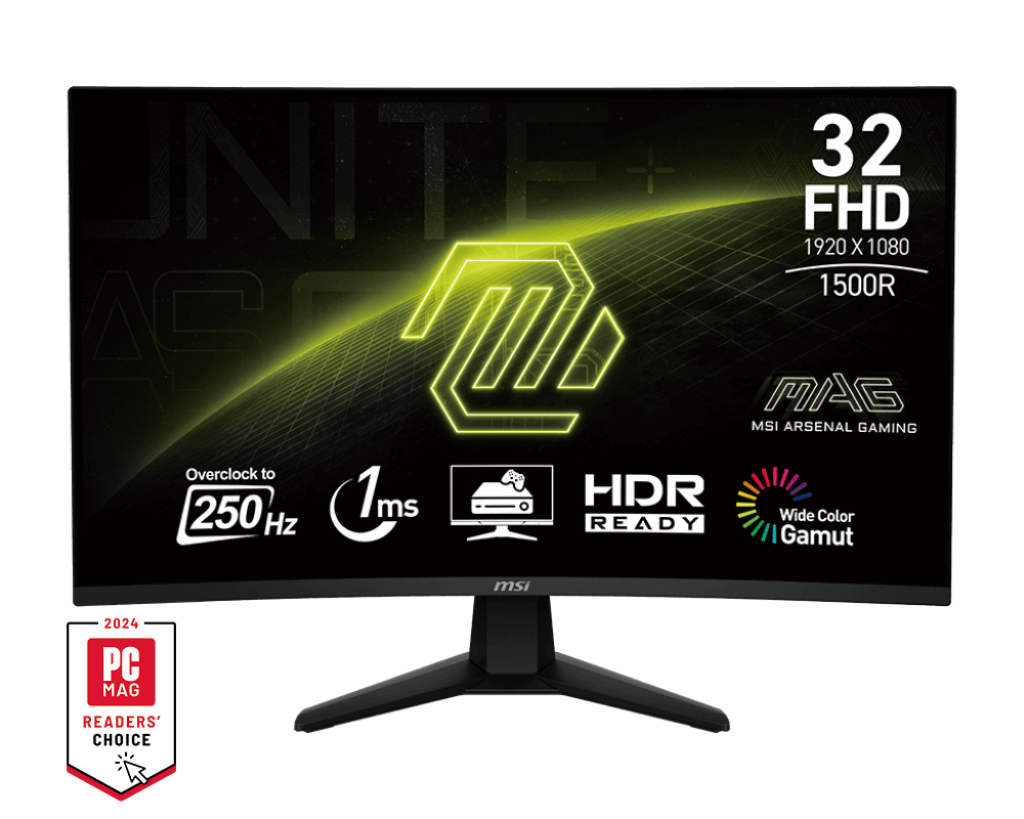
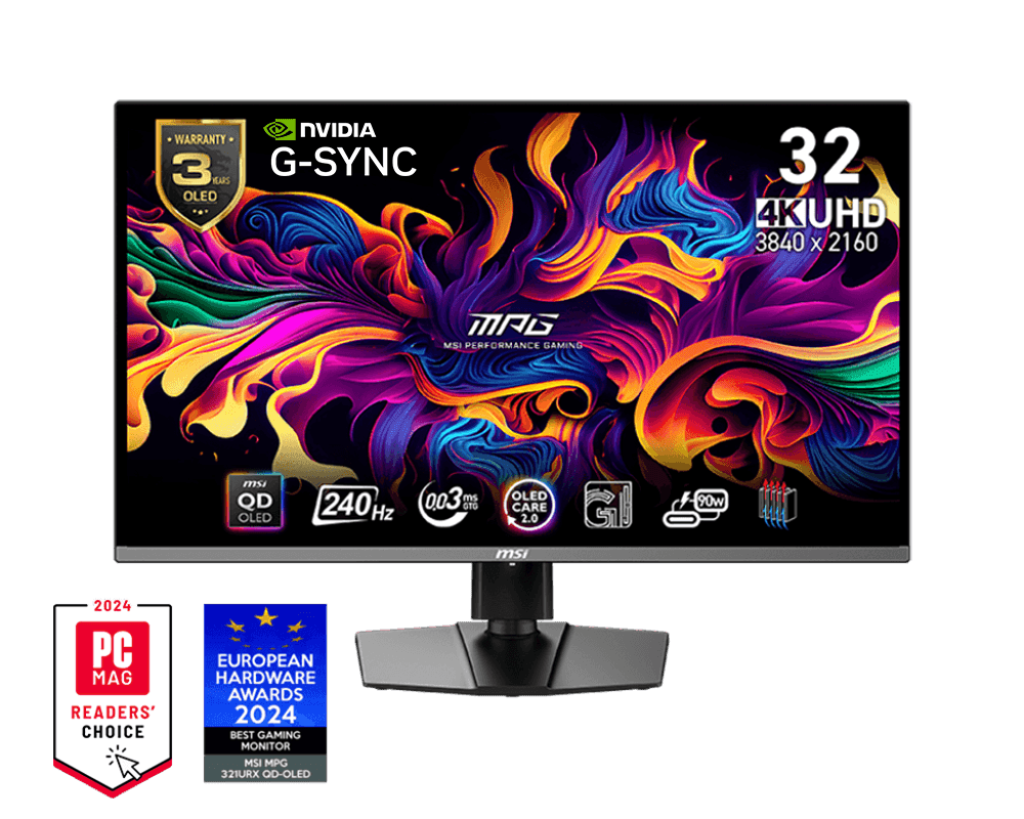
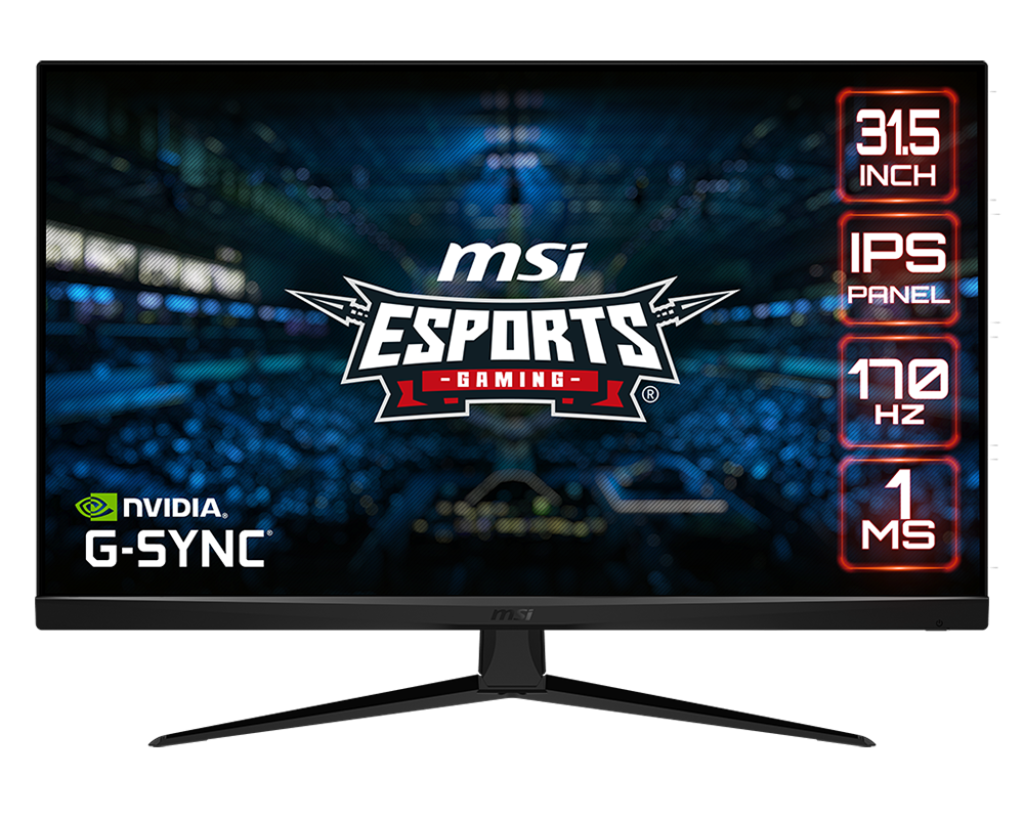
Gaming Monitors in Egypt — MSI & Lenovo | FHD, QHD & 4K
Whether you're a competitive FPS player who needs a 240Hz gaming monitor or a content creator looking for a sharp 4K display, our monitor collection has you covered. From MSI's battle-tested MAG gaming line to Lenovo Legion's precision-engineered panels, every screen here is original, warranty-backed, and available with Cash on Delivery across Egypt. No compromises — just the right monitor for your setup and budget.

Full Monitors Comparison:
All Monitors at a Glance
Specs sourced from official MSI and Lenovo product pages and certified lab reviews.
| Model | Size | Resolution | Panel | Refresh Rate | Response Time | Key Highlight |
|---|---|---|---|---|---|---|
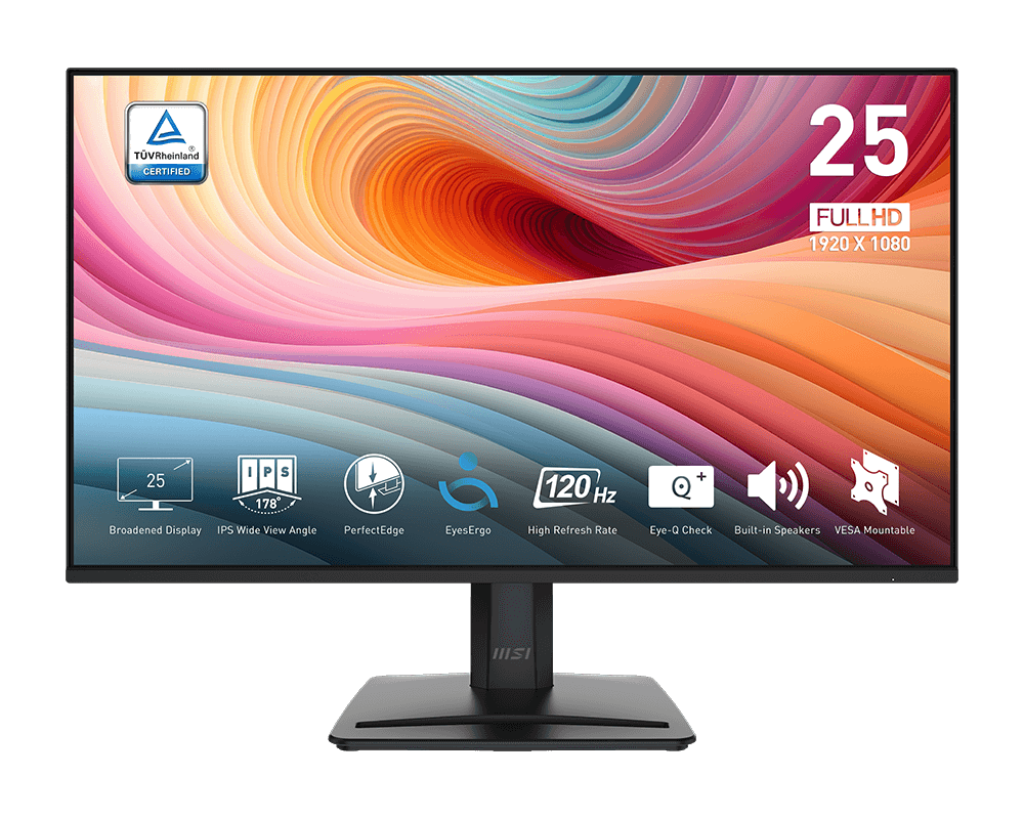
| MSI PRO MP251 E2 | 24.5" | FHD 1920×1080 | IPS | 120Hz | 1ms (GtG) | Best for productivity & work |
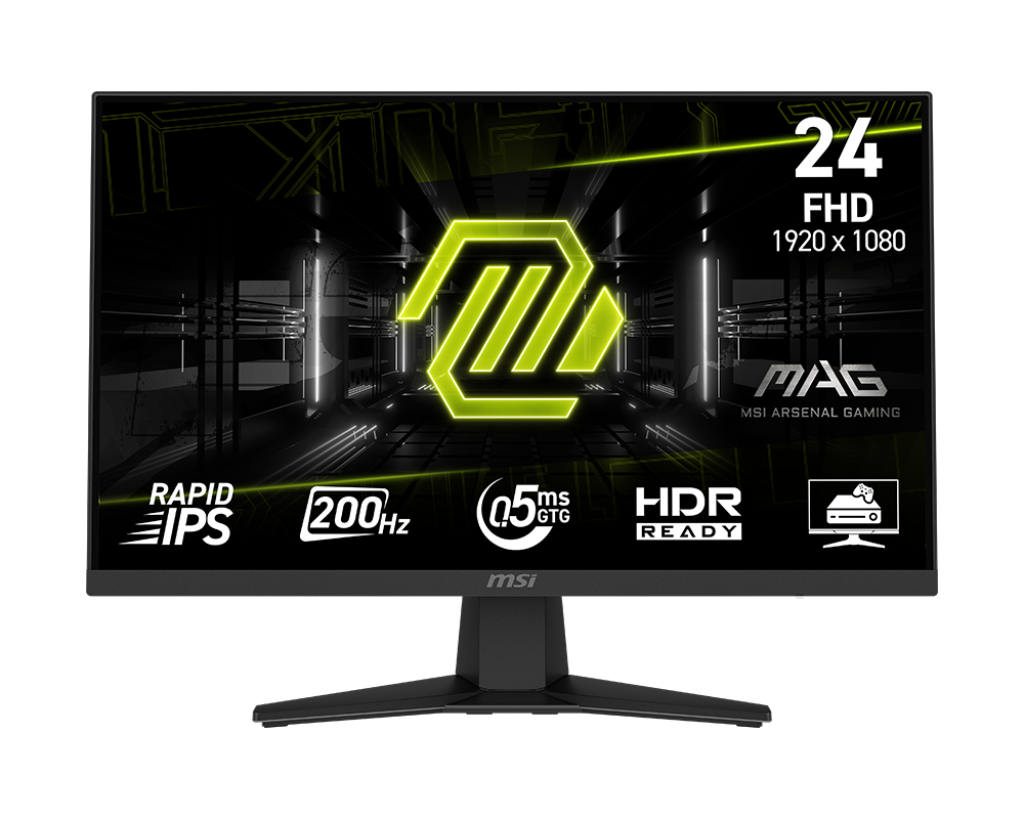
| MSI MAG 244F | 23.8" | FHD 1920×1080 | Rapid IPS | 200Hz | 0.5ms (GtG) | Compact 200Hz gaming monitor |
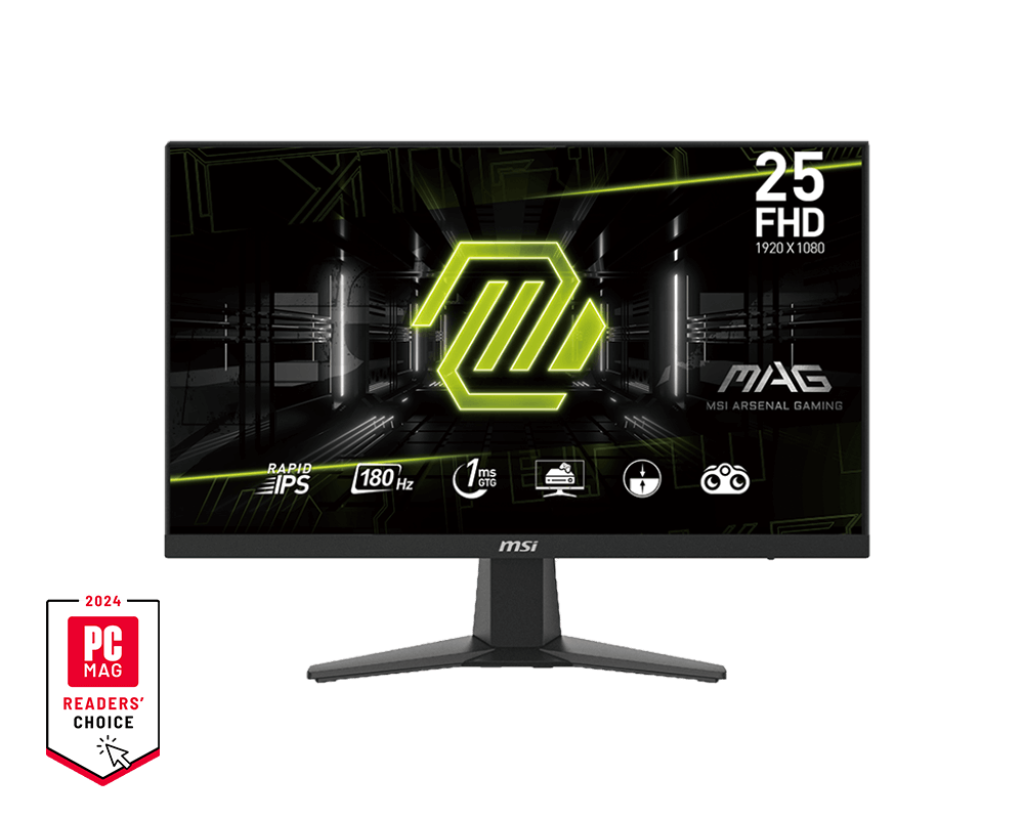
| MSI MAG 256F | 24.5" | FHD 1920×1080 | Rapid IPS | 180Hz | 1ms (GtG) | 25" 180Hz competitive pick |
| MSI G255F | 25" | FHD 1920×1080 | Rapid IPS | 180Hz | 1ms (GtG) | Budget 180Hz entry point |
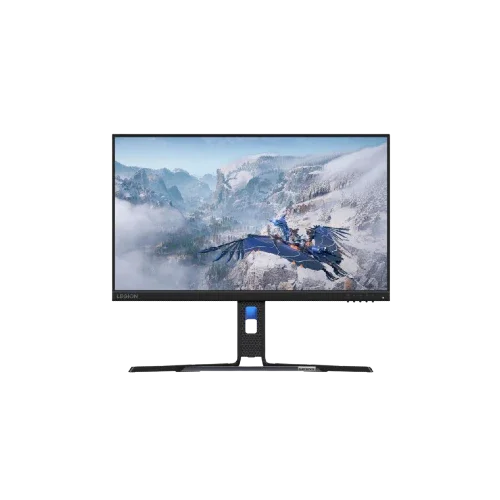
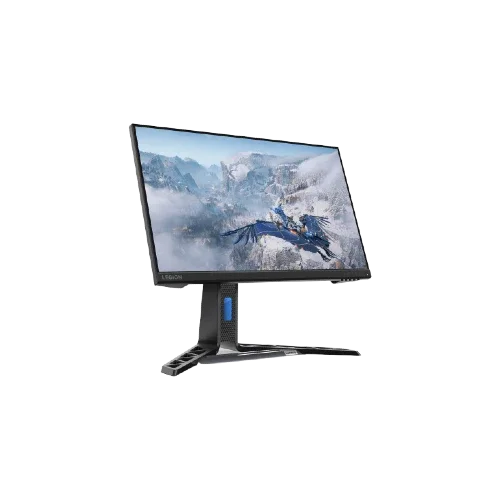
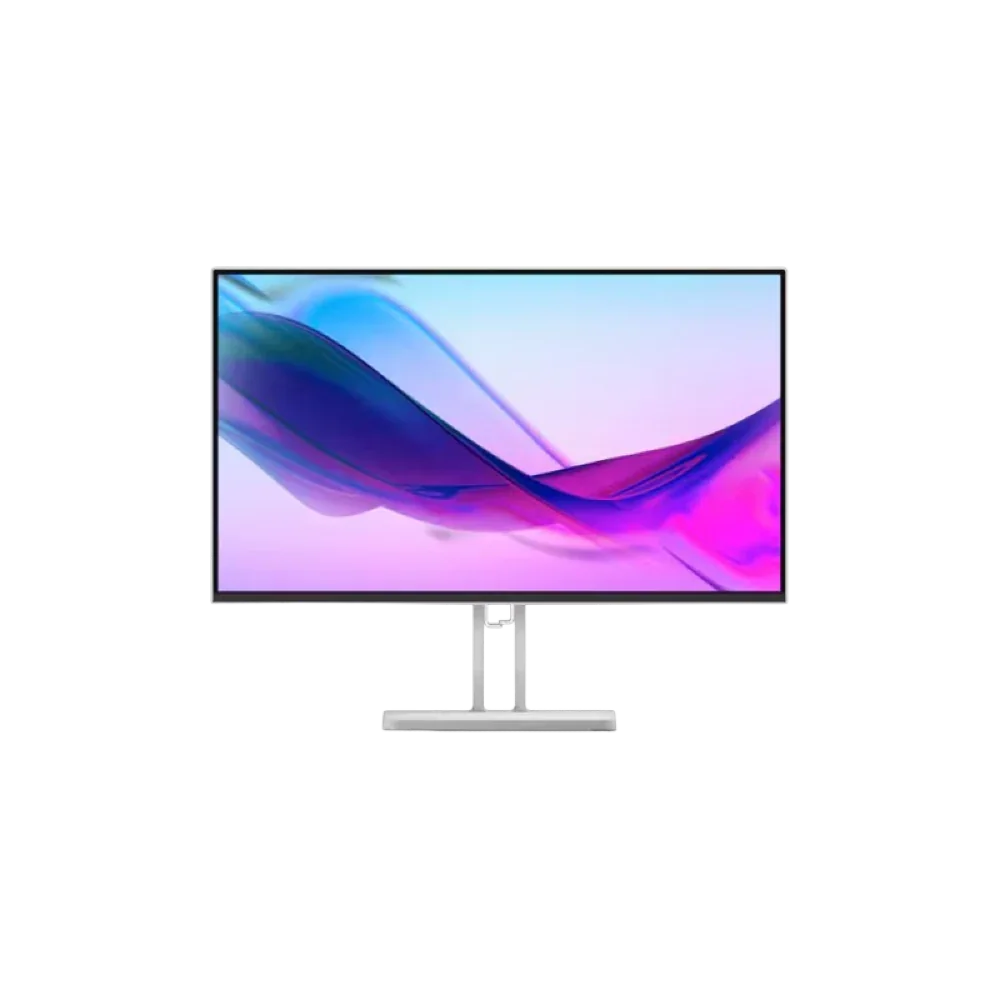
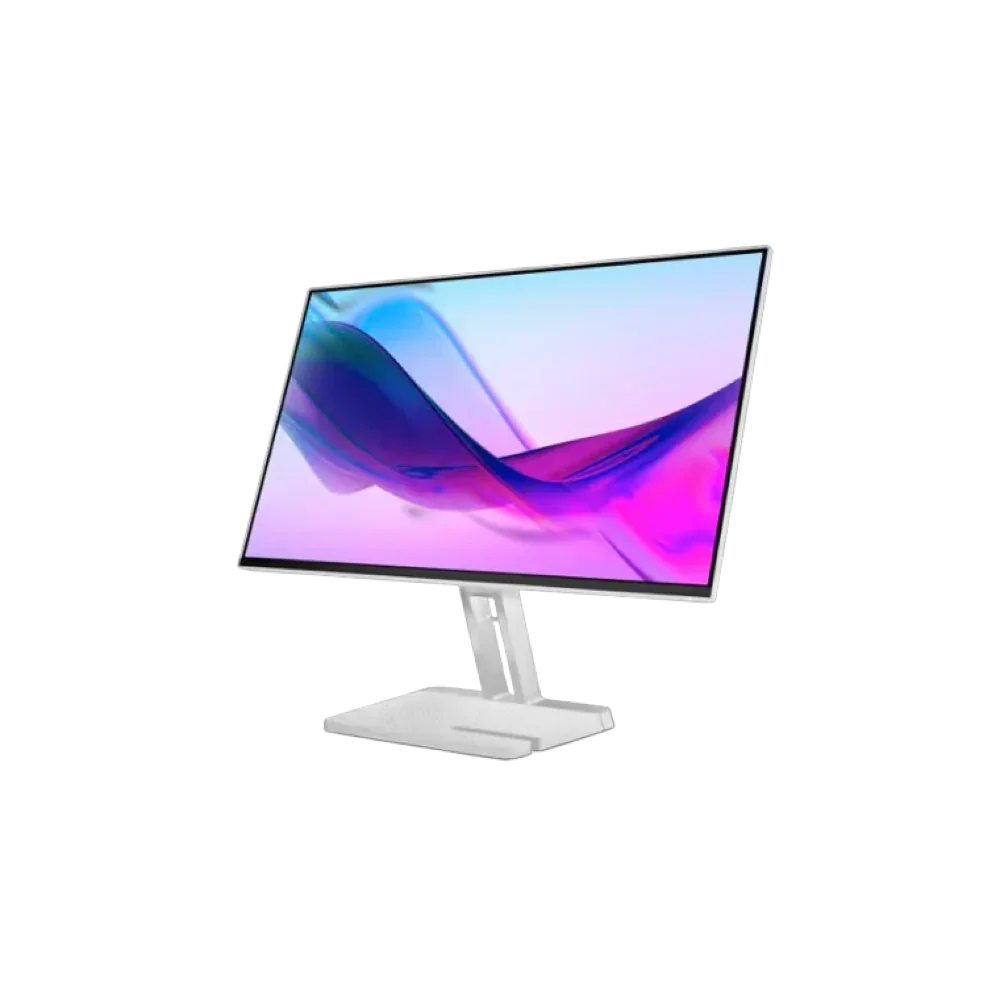
| Lenovo Legion R24e | 23.8" | FHD 1920×1080 | IPS | 180Hz | 0.5ms (MPRT) | Best ergonomics at 180Hz |
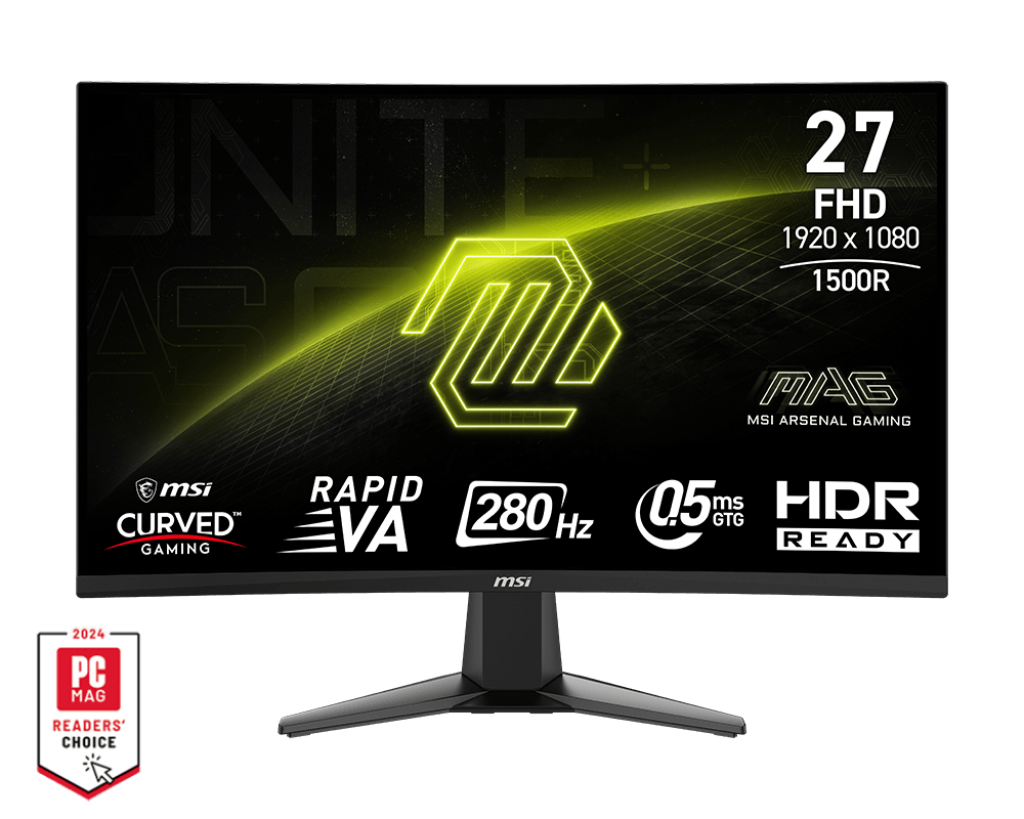
| MSI MAG 276CXF | 27" | FHD 1920×1080 | Rapid VA Curved (1500R) | 280Hz | 0.5ms (GtG) | Immersive 280Hz curved display |
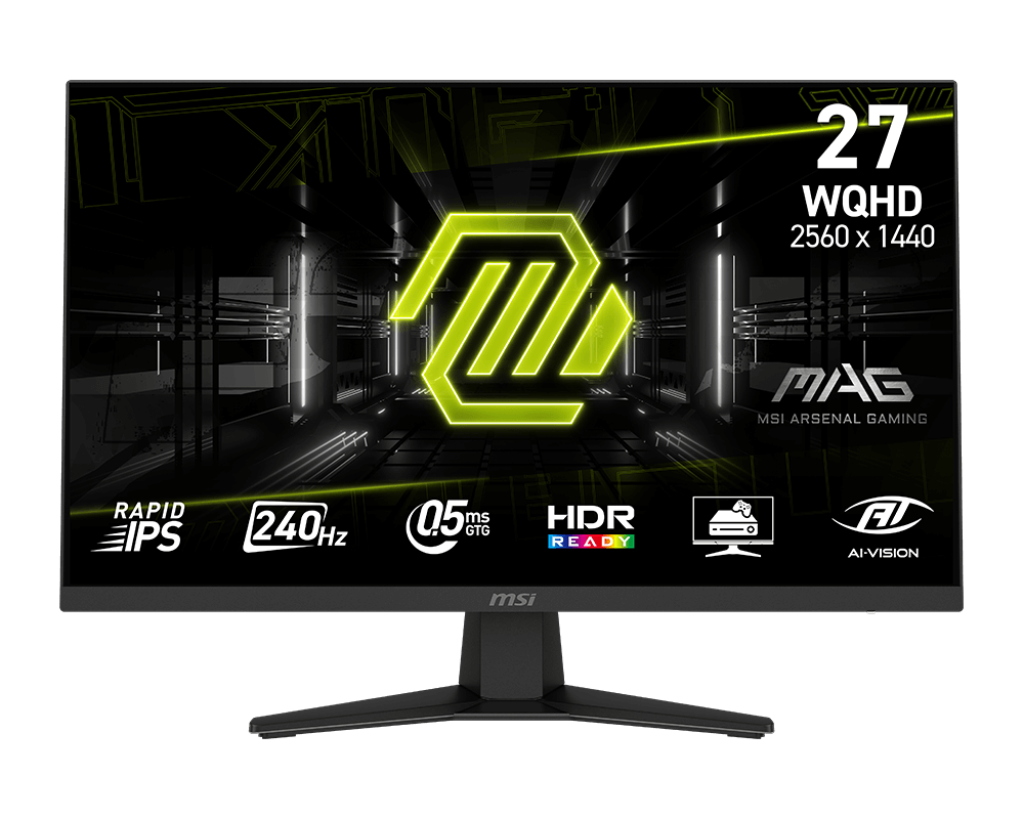
| MSI MAG 274QF X24 | 27" | QHD 2560×1440 | Rapid IPS | 240Hz | 0.5ms (GtG) | 1440p 240Hz gaming monitor |
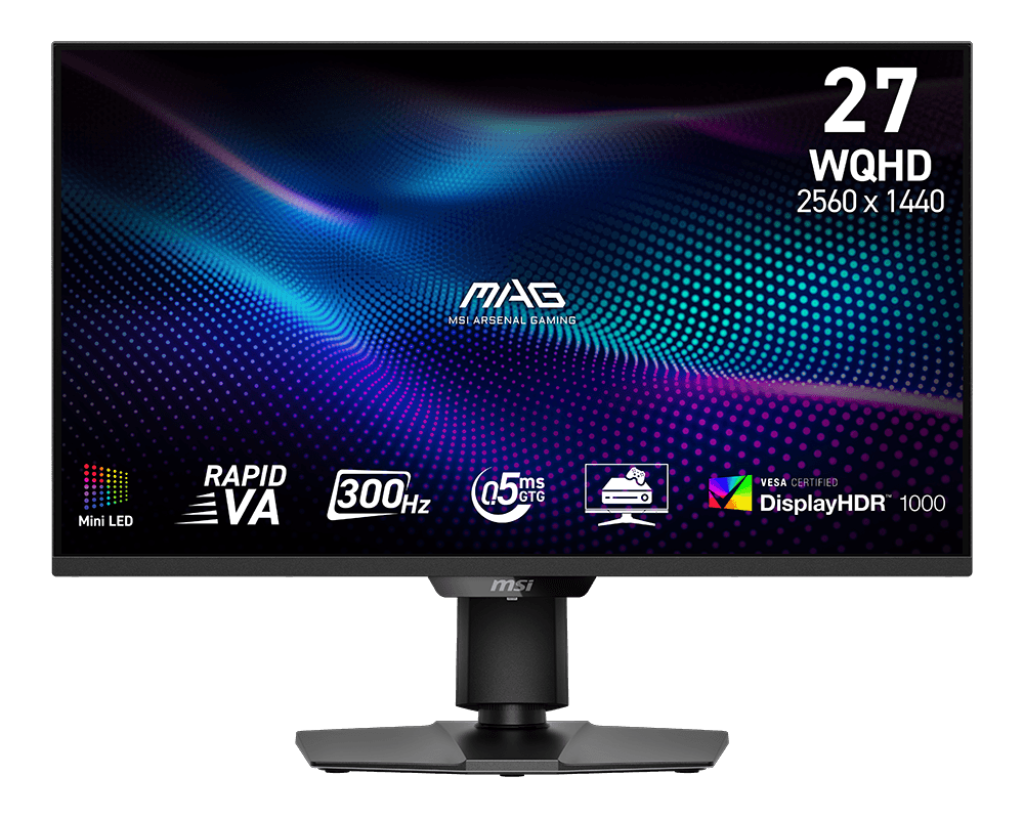
| MSI MAG 274QPF X30MV | 27" | QHD 2560×1440 | Rapid VA + Mini-LED (1152 zones) | 300Hz | 0.5ms (GtG) | QHD 300Hz + DisplayHDR 1000 |
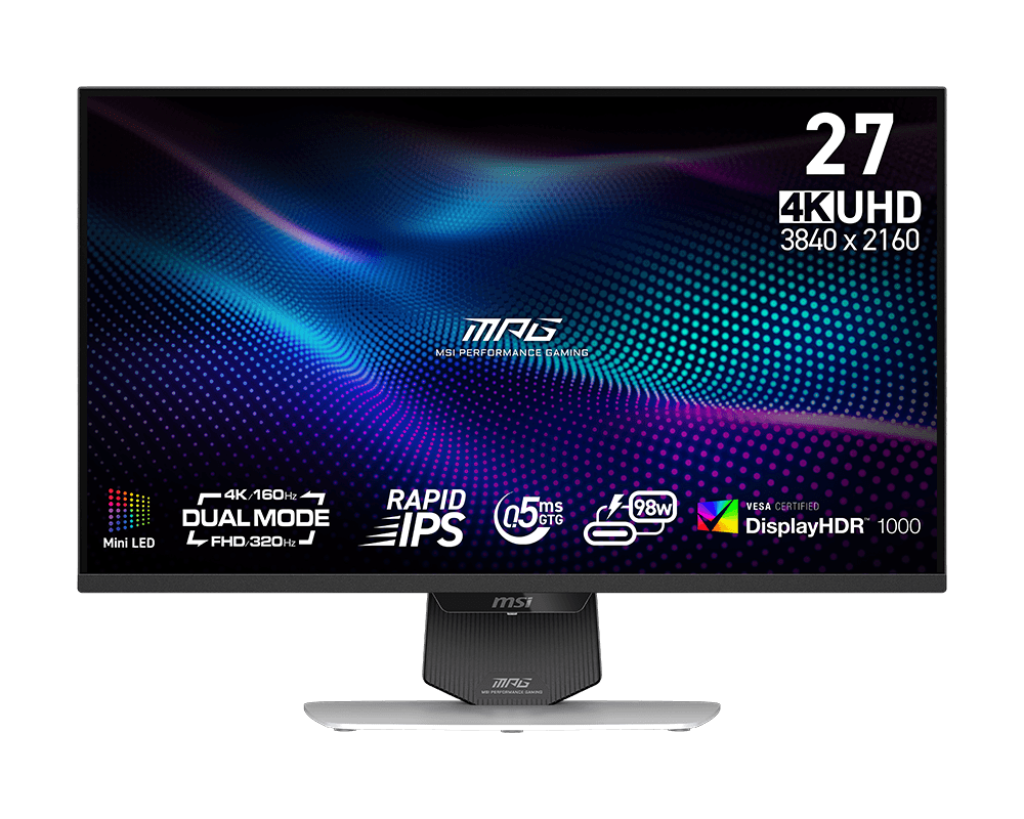
| MSI MPG 274URDFW E16M | 27" | 4K 3840×2160 | Rapid IPS + Mini-LED (1152 zones) | 160Hz (4K) / 320Hz (FHD) | 0.5ms (GtG) | Premium 4K Dual Mode + DisplayHDR 1000 |

Budget FHD Gaming Monitors (24–25 inch)
MSI MAG 244F vs MAG 256F vs G255F vs Lenovo Legion R24e
All four are FHD (1920×1080) gaming monitors in the 24–25 inch range — the most popular size for competitive gaming in Egypt. Here's how they actually differ.
| Feature | MAG 244F | MAG 256F | G255F | Lenovo Legion R24e |
|---|---|---|---|---|
| Screen Size | 23.8" | 24.5" | 25" | 23.8" |
| Refresh Rate | 200Hz | 180Hz | 180Hz | 180Hz |
| Response Time | 0.5ms (GtG) | 1ms (GtG) | 1ms (GtG) | 0.5ms (MPRT) |
| Panel Type | Rapid IPS | Rapid IPS | Rapid IPS | IPS |
| Color Gamut | 96% DCI-P3 | 96% DCI-P3 | Wide Color Gamut | 99% sRGB |
| Brightness | 300 nits | 250 nits | N/A | 300 nits |
| Sync Tech | AMD FreeSync Premium | Adaptive Sync | Adaptive Sync | AMD FreeSync |
| Stand Adjustability | Tilt only | Tilt only | Tilt only | Tilt / Swivel / Lift / Pivot |
| Built-in Speakers | No | No | No | No |
| Best For | Fastest FHD competitive | Competitive + value | Entry-level gaming | Best all-round ergonomics |
💡 Tip: If you play fast-paced FPS games like Valorant or CS2, the MAG 244F's 200Hz gives you the smoothest experience in this category. However, if you care about having a fully ergonomic stand that tilts, swivels, rotates, and height-adjusts, the Lenovo Legion R24e is the only monitor in this group that offers all four adjustments — a big deal for long gaming or work sessions.
The 27-Inch FHD Curved Monitor: MAG 276CXF
The MSI MAG 276CXF sits alone in its category within this collection: a 27-inch curved gaming monitor with a 1500R curvature, 280Hz refresh rate, and a Rapid VA panel. At 280Hz with a 0.5ms response time, it technically delivers one of the highest refresh rates in our lineup. The VA panel brings a 4000:1 native contrast ratio — significantly deeper blacks than any IPS panel in this collection — making it excellent for dark scenes and cinematic games.

The trade-off versus IPS is that VA panels can exhibit slightly slower pixel transitions in very dark shades, a known characteristic of the panel type. For pure competitive FPS gaming where you need flat, no-fringe visuals, the IPS-based MAG 244F or MAG 256F are sharper choices. But for immersive single-player gaming, racing sims, or anyone who wants an enveloping curved screen with raw speed, the MAG 276CXF at 280Hz is outstanding value.
27-inch QHD Gaming Monitors: MAG 274QF X24 vs MAG 274QPF X30MV
If you want more detail than FHD without going full 4K, a QHD (2560×1440) gaming monitor hits the sweet spot — 78% more pixels than 1080p with far less GPU demand than 4K.
| Feature | MAG 274QF X24 | MAG 274QPF X30MV |
|---|---|---|
| Resolution | QHD 2560×1440 | QHD 2560×1440 |
| Panel Type | Rapid IPS | Rapid VA + Mini-LED (1152 zones) |
| Refresh Rate | 240Hz | 300Hz |
| Response Time | 0.5ms (GtG) | 0.5ms (GtG) |
| HDR | HDR Ready | VESA DisplayHDR 1000 (1000 nits) |
| Contrast | 1000:1 (IPS) | 4500:1 (VA + Mini-LED) |
| Sync | AMD FreeSync Premium | Adaptive Sync |
| Stand | Tilt only | Height / Pivot / Swivel / Tilt |
| Best For | QHD gaming + value | Competitive + cinematic HDR |
💡 Tip: The MAG 274QF X24 is the better entry into 1440p gaming if your GPU is mid-range and you game primarily online. The MAG 274QPF X30MV is a step up — its 1,152-zone Mini-LED backlight enables HDR that actually looks dramatic, not just "HDR Ready" in name. At 300Hz with 1440p and VESA DisplayHDR 1000 certification, it is one of the most technically complete gaming monitors in the collection.

The Flagship: MSI MPG 274URDFW E16M — 4K Mini-LED Dual Mode
The MPG 274URDFW E16M is the top-tier option in this collection and represents a different tier of monitor technology. Key facts verified from MSI's official specs and independent reviews at TFTCentral and Tweaktown:
- 27-inch Rapid IPS panel with Quantum Dot technology
- 1,152-zone full-array Mini-LED backlight — the same zone count as the MAG 274QPF X30MV above
- VESA DisplayHDR 1000 certified — 1000 nits peak brightness
- Dual Mode: Switch between 4K (3840×2160) at 160Hz or FHD (1920×1080) at 320Hz — the highest refresh rate in this entire collection
- 98% DCI-P3 / 100% Adobe RGB color gamut — suitable for professional creative work
- USB-C with 98W Power Delivery — charge a laptop while using it as a monitor
- AI Navigator + AI Dual Mode: automatically switches resolution/refresh rate based on game type

This is not just a gaming monitor — reviewed by TFTCentral as equally capable for video editing and creative workflows. If you need a single monitor that handles competitive FPS, 4K cinematic gaming, and professional content creation, the E16M is the most versatile option in this collection. Note that this level of performance requires a powerful GPU to fully utilize 4K at 160Hz.
The Productivity Pick: MSI PRO MP251 E2
Not every monitor needs to be a 240Hz gaming monitor. The MSI PRO MP251 E2 is designed for users who need a reliable work and study screen with a comfortable refresh rate upgrade from standard 60Hz office monitors. At 120Hz with a 24.5-inch IPS panel, 1ms response time, built-in speakers, and Adaptive Sync support, it covers daily computing, video calls, light gaming, and content consumption without breaking the budget. It includes HDMI, DisplayPort, and VGA inputs for maximum compatibility with older and newer devices alike.

FAQs — Monitors
Q: What is a monitor?
A monitor (also called a display or screen) is an output device that visually presents information from a computer, gaming console, or other source. Modern monitors differ in panel type (IPS, VA, OLED), size, resolution, and refresh rate — all of which affect image quality, color accuracy, and how smooth motion appears. Unlike a TV, a monitor is designed for close-range viewing and typically prioritizes response time and color precision.
Q: Is 1920×1080 the same as Full HD?
Yes. 1920×1080 is the exact pixel count that defines Full HD (FHD) resolution, also written as 1080p. It's the most widely used resolution for gaming monitors under 27 inches and is the resolution found in most monitors in our FHD range — including the MSI MAG 244F, MAG 256F, G255F, Lenovo Legion R24e, MAG 276CXF, and PRO MP251 E2.
Q: Is 1920×1080 2K or 4K?
Neither. 1920×1080 is Full HD (1080p). "2K" commonly refers to 2560×1440 (QHD/1440p) — the resolution used in the MSI MAG 274QF X24 and MAG 274QPF X30MV in our collection. "4K" refers to 3840×2160 (UHD), which is the native resolution of the flagship MSI MPG 274URDFW E16M. The jump from FHD to QHD adds 78% more pixels; from QHD to 4K adds another 78%.
Q: What monitor is best for PS5?
The PS5 supports up to 4K at 120Hz and 1080p at 120Hz via HDMI 2.1. For the best PS5 experience from this collection, the Lenovo Legion R24e stands out — it features HDMI 2.1, supports 1080p at 180Hz, and includes AMD FreeSync for smoother console gameplay. The MSI MAG 276CXF also has HDMI CEC support for seamless console integration. For 4K PS5 gaming, the MPG 274URDFW E16M with its HDMI 2.1 port is the most capable option.
Q: Is a 24-inch or 27-inch monitor better for gaming?
It depends on your setup and game type. A 24-inch gaming monitor — like the MSI MAG 244F — keeps all the action within a tighter field of view, which many competitive FPS players prefer since they don't need to move their eyes as much. A 27-inch monitor — like the MSI MAG 276CXF or MAG 274QF X24 — provides more screen real estate for immersive single-player games, RPGs, and content creation. At 27 inches, QHD resolution (1440p) is recommended over FHD to maintain sharp pixel density at normal desktop viewing distances.
Q: Do I need a 144Hz monitor for PS5?
The PS5 supports 120Hz — so technically you need at least a 120Hz display to take full advantage of games that run at 120fps. A 144Hz gaming monitor will work fine with a PS5, but the PS5 will output at 120fps, not 144fps. All gaming monitors in our collection run at 180Hz or higher, meaning you get future-proof headroom whether you're on PC, PS5, or Xbox Series X. Any monitor here will fully utilize the PS5's 120Hz capability.
Q: Is a monitor like a PC?
No. A monitor is just a display — it has no processor, RAM, or storage, and it cannot run programs on its own. It is an output device that receives a video signal from a PC, laptop, or gaming console. To use a monitor, you need a separate device to connect it to.
Q: Can a PC run without a monitor?
Yes, technically a PC can run and perform tasks — like file transfers, downloads, or server operations — without a monitor connected. However, for everyday use, gaming, or any visual task, a monitor is essential. For gaming, the monitor is one of the most impactful hardware upgrades you can make to your experience.
Q: What are the main types of monitor panels?
The monitors sold today use three main panel technologies: IPS (In-Plane Switching), VA (Vertical Alignment), and OLED (Organic Light-Emitting Diode). IPS panels — used in the MSI MAG 244F, MAG 256F, G255F, Lenovo R24e, MAG 274QF X24, and MPG 274URDFW E16M — offer excellent color accuracy and wide viewing angles. VA panels — used in the MAG 276CXF and MAG 274QPF X30MV — deliver higher native contrast ratios (4000:1 vs IPS's 1000:1), making dark scenes look deeper and richer. OLED monitors offer per-pixel illumination for perfect blacks, but sit at a higher price tier and are not currently part of this collection.
Q: What is a 240Hz or 300Hz gaming monitor good for?
High-refresh-rate monitors — from 144Hz all the way to the 300Hz and 320Hz top end of this collection — reduce motion blur, lower perceived input lag, and make fast-paced games feel more responsive. While the human eye cannot count individual frames, research consistently shows that higher refresh rates reduce reaction time in competitive gaming. A 240Hz gaming monitor like the MSI MAG 274QF X24 is a meaningful upgrade over 144Hz for FPS and racing games. The 300Hz on the MAG 274QPF X30MV takes this further for esports-level competitive play.


