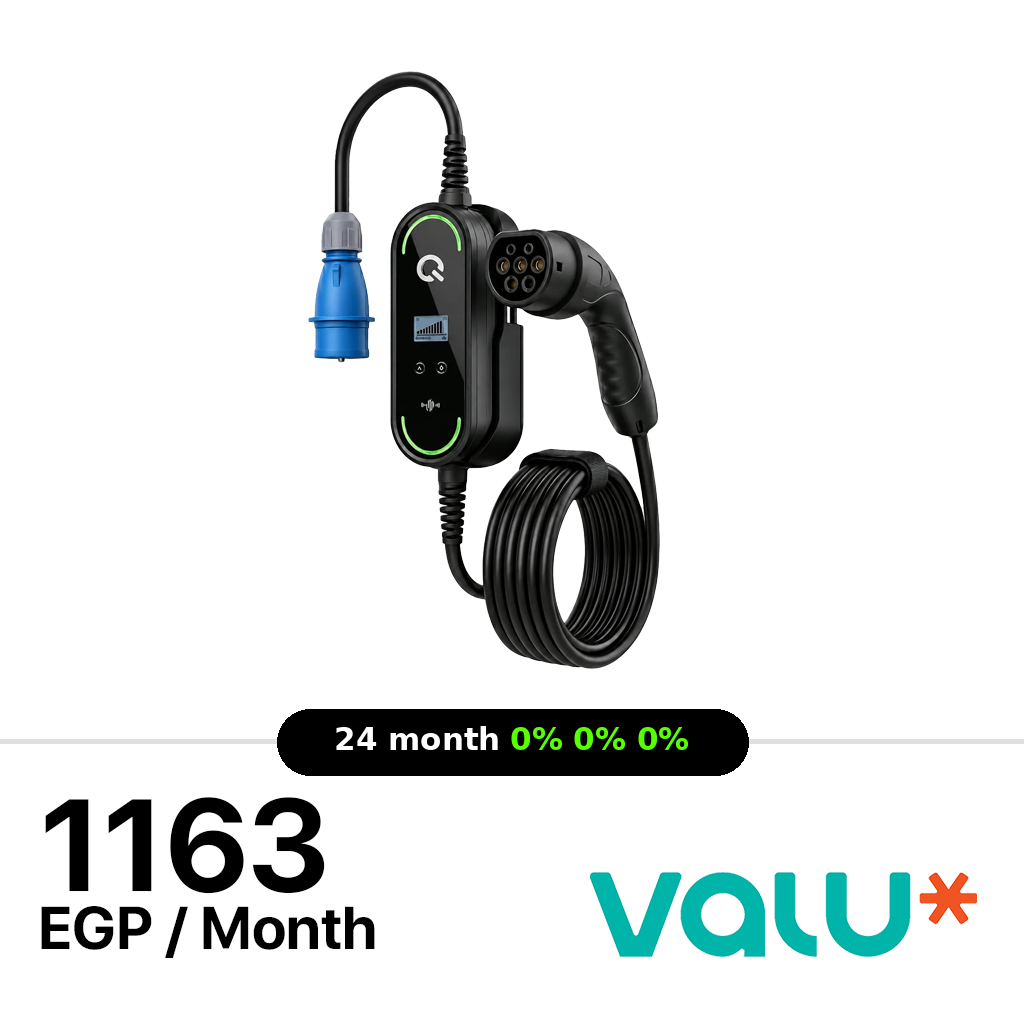
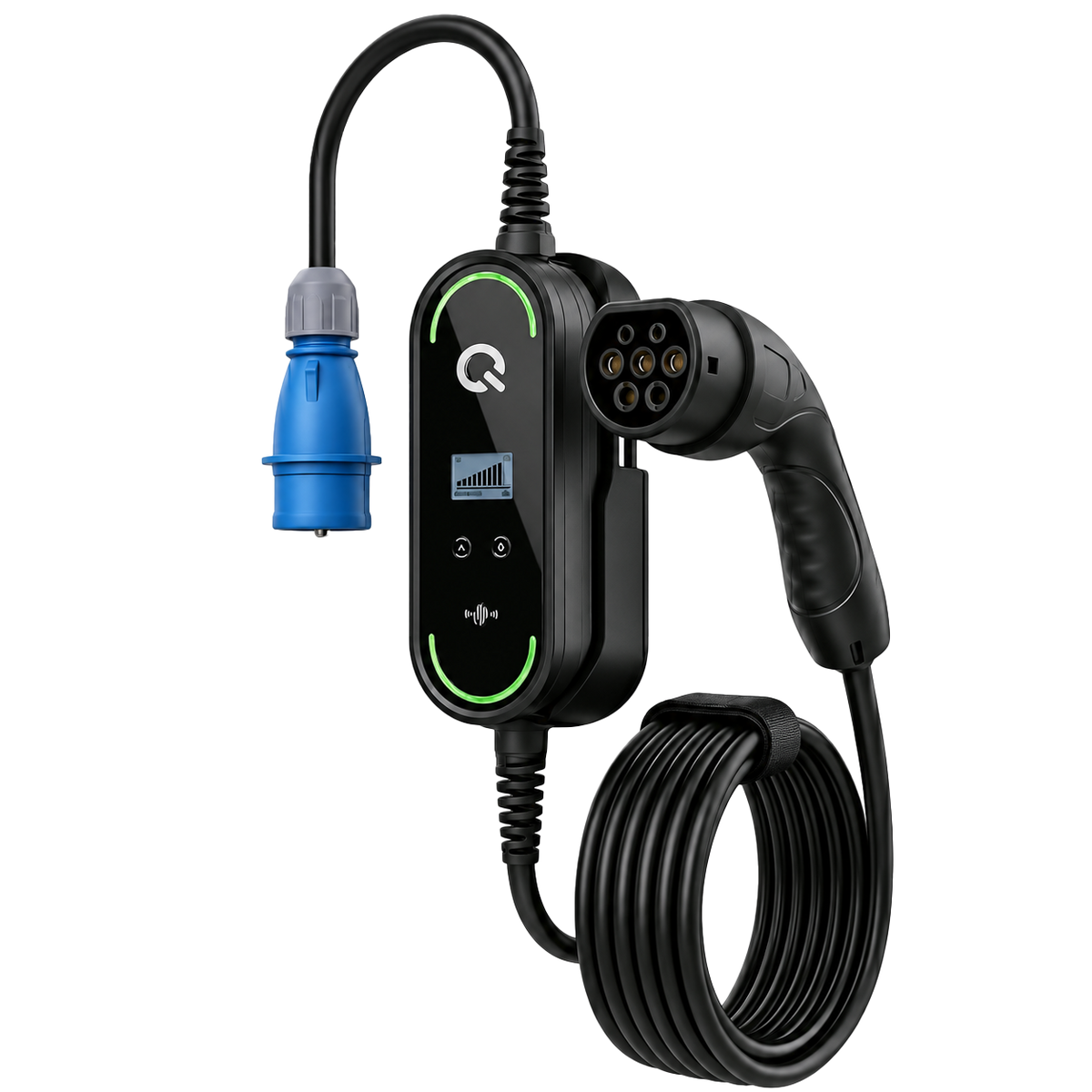
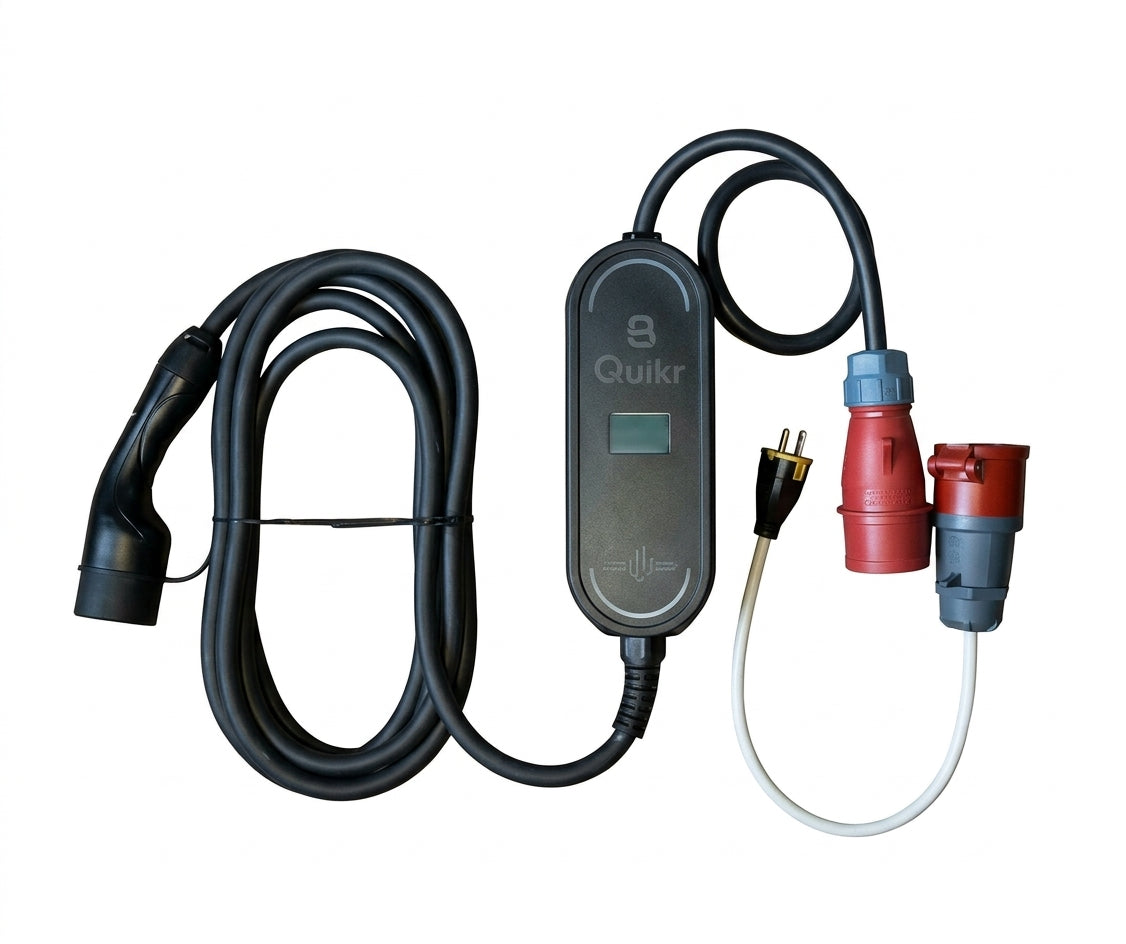
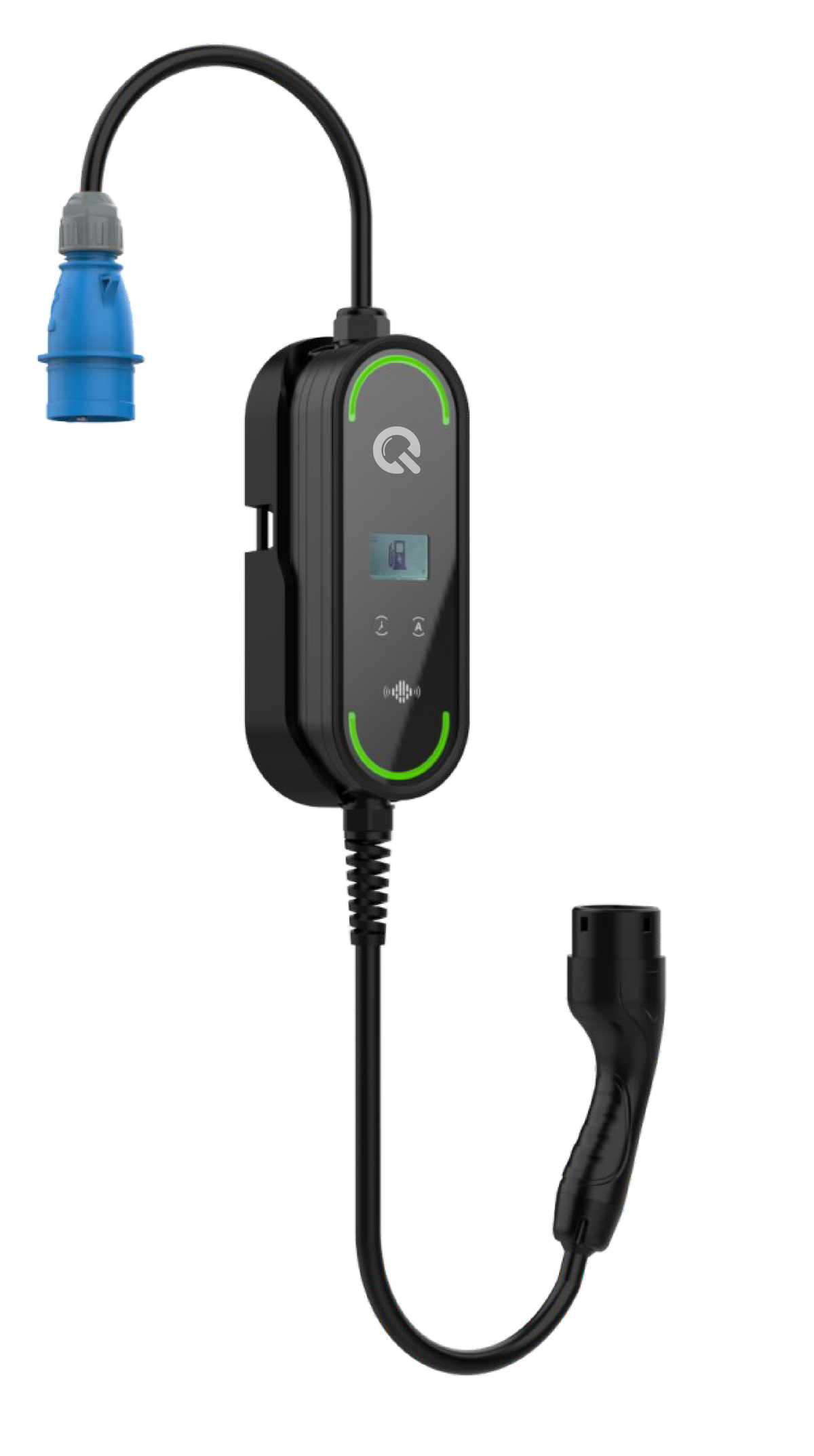
QUIKR Smart Portable AC EV Charger 22kW
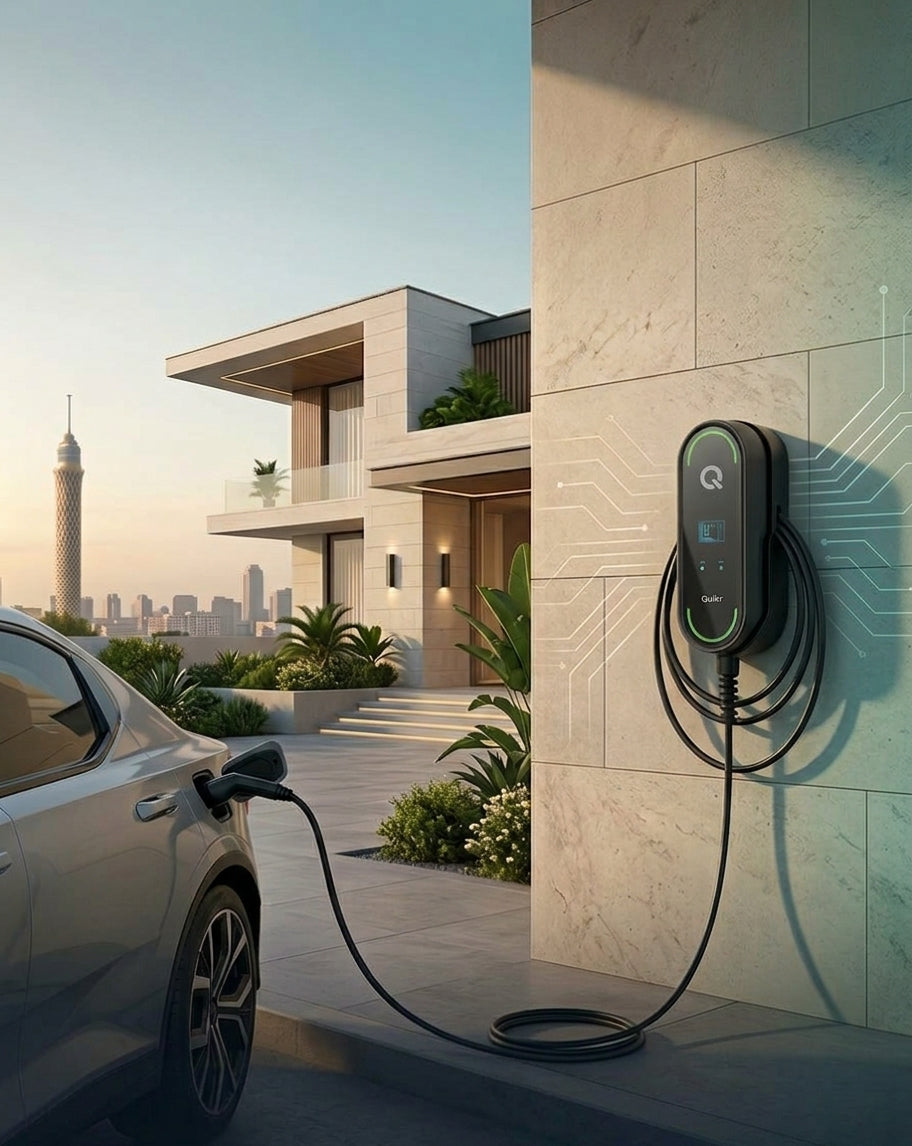
The QUIKR Portable AC EV Charger 22kW is a high-power three-phase charging solution designed to deliver up to 22kW of AC charging at 32A. It supports adjustable charging current from 6A to 32A and features smart connectivity through Wi-Fi, Bluetooth, and app control, with scheduled charging and charging history. The charger can be used as a portable unit or mounted on a wall, and its IP65 rating protects against dust and water. It is designed for operation from -30°C to +50°C. 22kW Portable EV Charger Specif…
Specifications
| Specification |
Details |
| Model |
BCPP-AT25-32 |
| Maximum Power Output |
22 kW (3-Phase) |
| Input / Output Voltage |
AC 380V – 415V (Three-Phase) |
| Charging Current Range |
6A – 32A (Adjustable Current) |
| Frequency |
50Hz / 60Hz |
| Display & Status |
LCD Screen + Multi-Color LED Indicator |
| Smart Features & App |
Wi-Fi, Bluetooth, App Control (Z-BOX), Scheduled Charging |
| Installation Type |
Portable / Wall-mounted Capable |
| Cable & Plug Length |
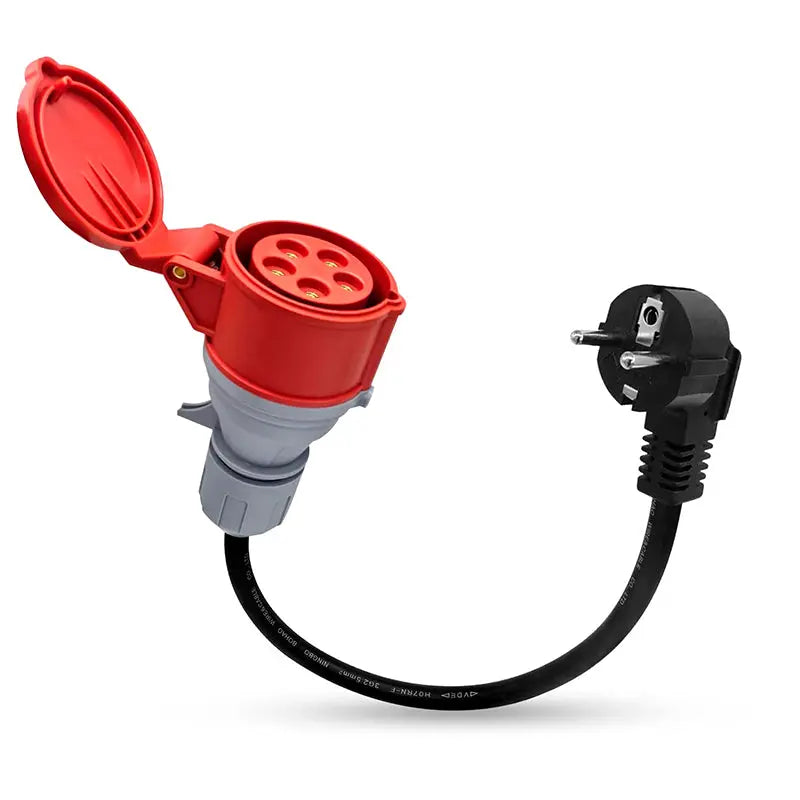
6 Meters Total Length (Standard) / 30cm Plug Cable |
| Ingress Protection |
IP65 Rated (Dust & Water Proof) |
| Operating Temperature |
-30°C to +50°C |
| Mechanical Lifetime |
>10,000 Plug-in / Plug-out Cycles |
| International Standards |
IEC 62752, IEC 61851-21-2 Certified |
Integrated Safety Protection
- Over Voltage & Under Voltage Protection
- CP Signal Abnormal Protection
- Over Current Protection
- Electric Leakage Protection
- Over Temperature Thermal Cut-off
- Relay Adhesion Protection
- Lightning & Ground Fault Protection
- Fire-Resistant & Anti-Pressure Outer Shell
App Control Setup:
Control App: Z-BOX
App Instruction Manual