

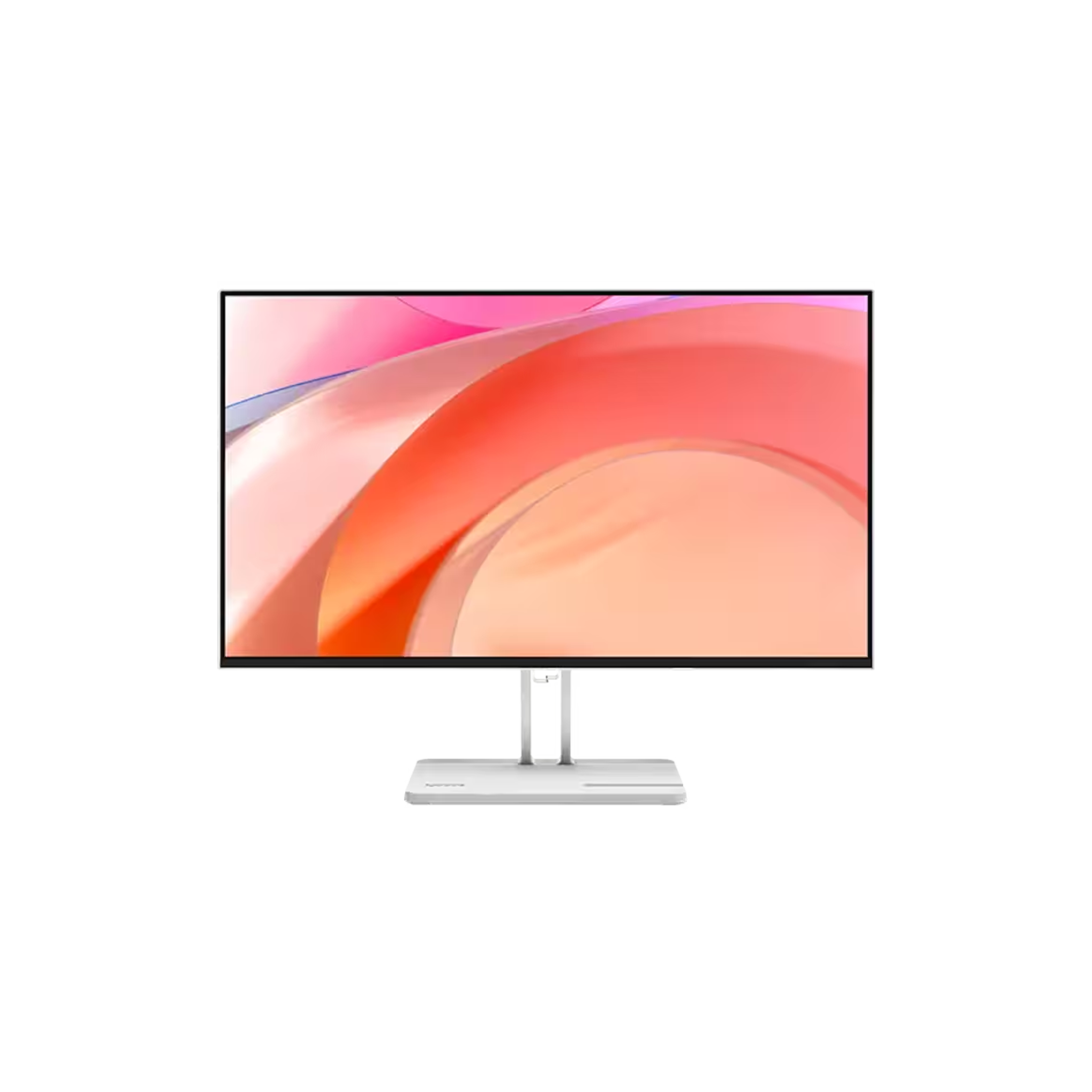
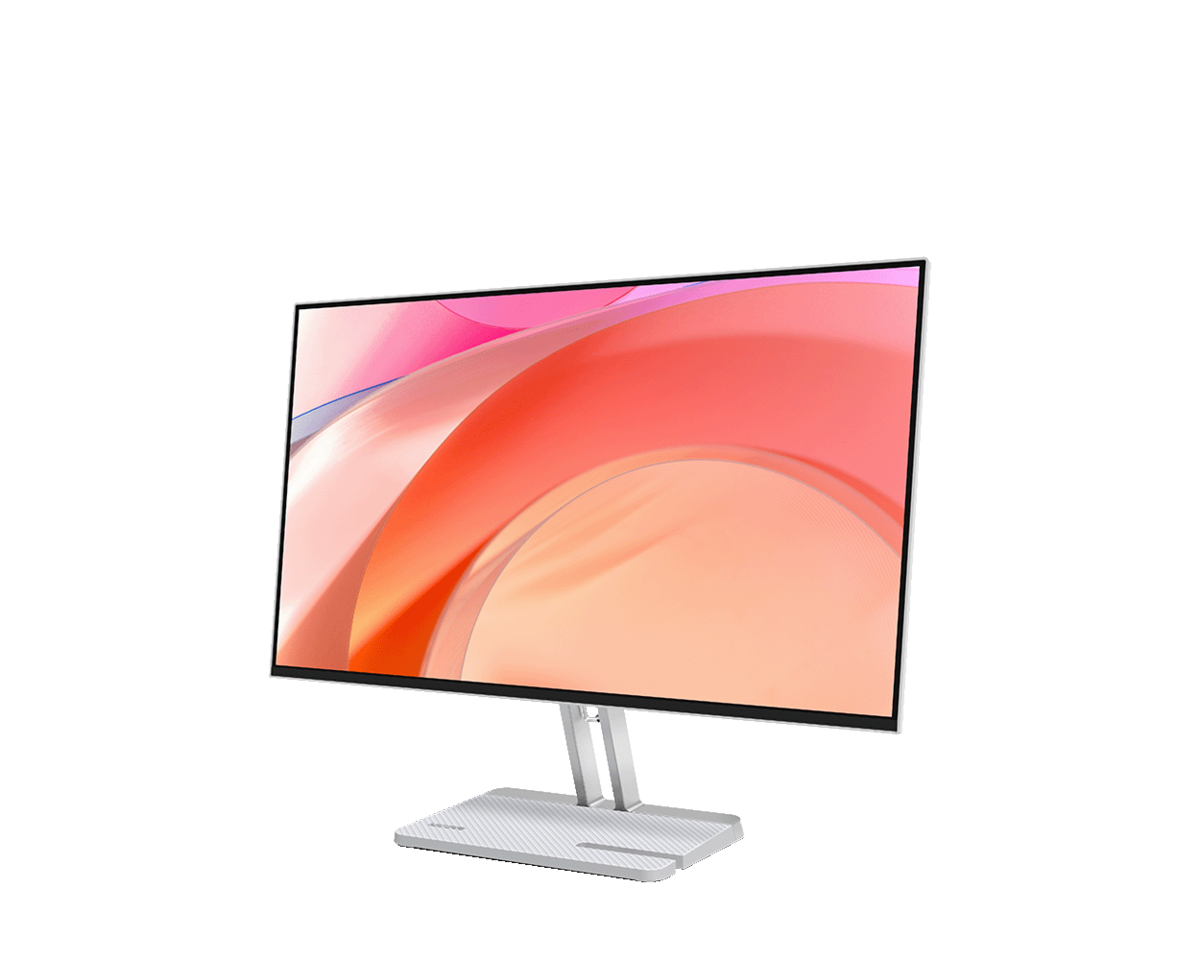
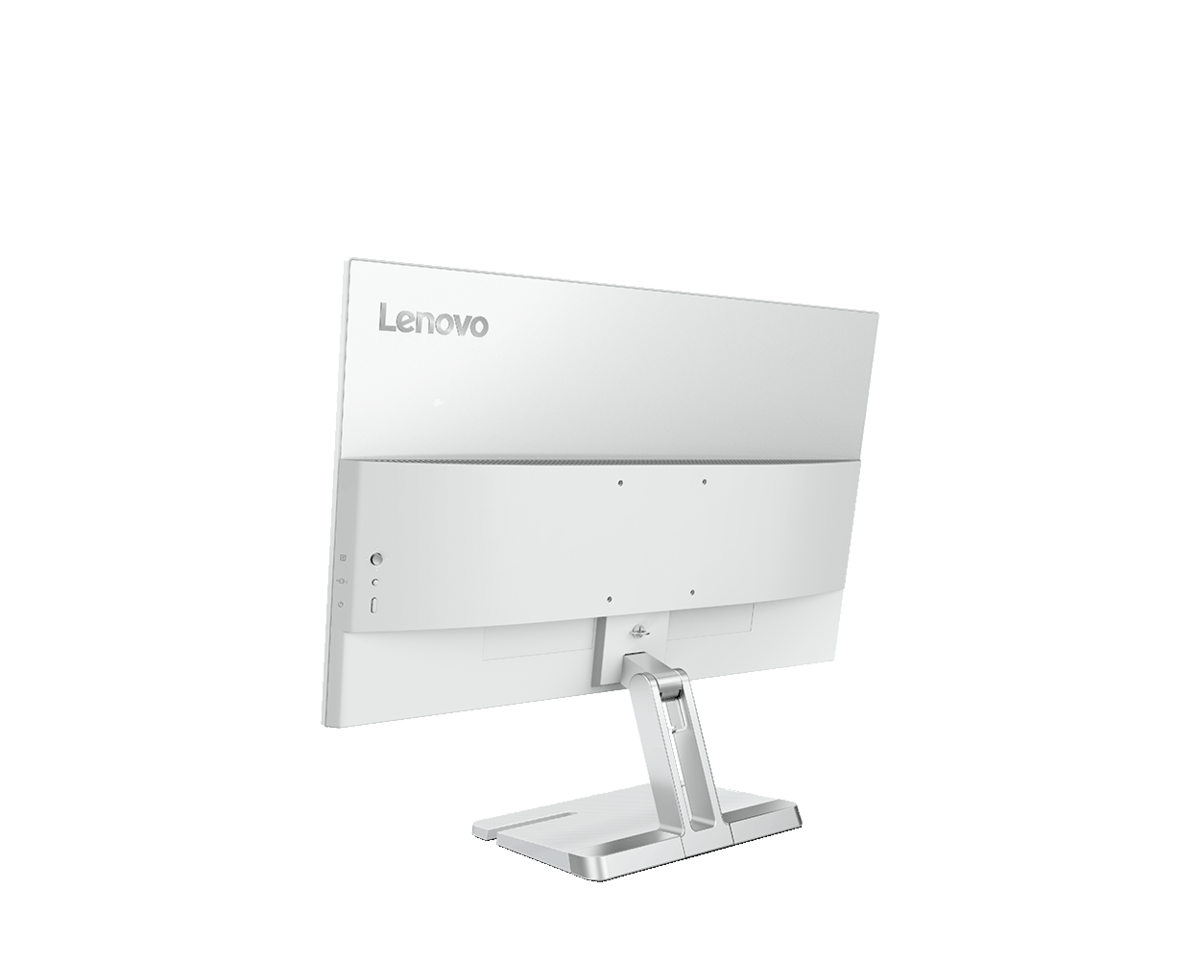
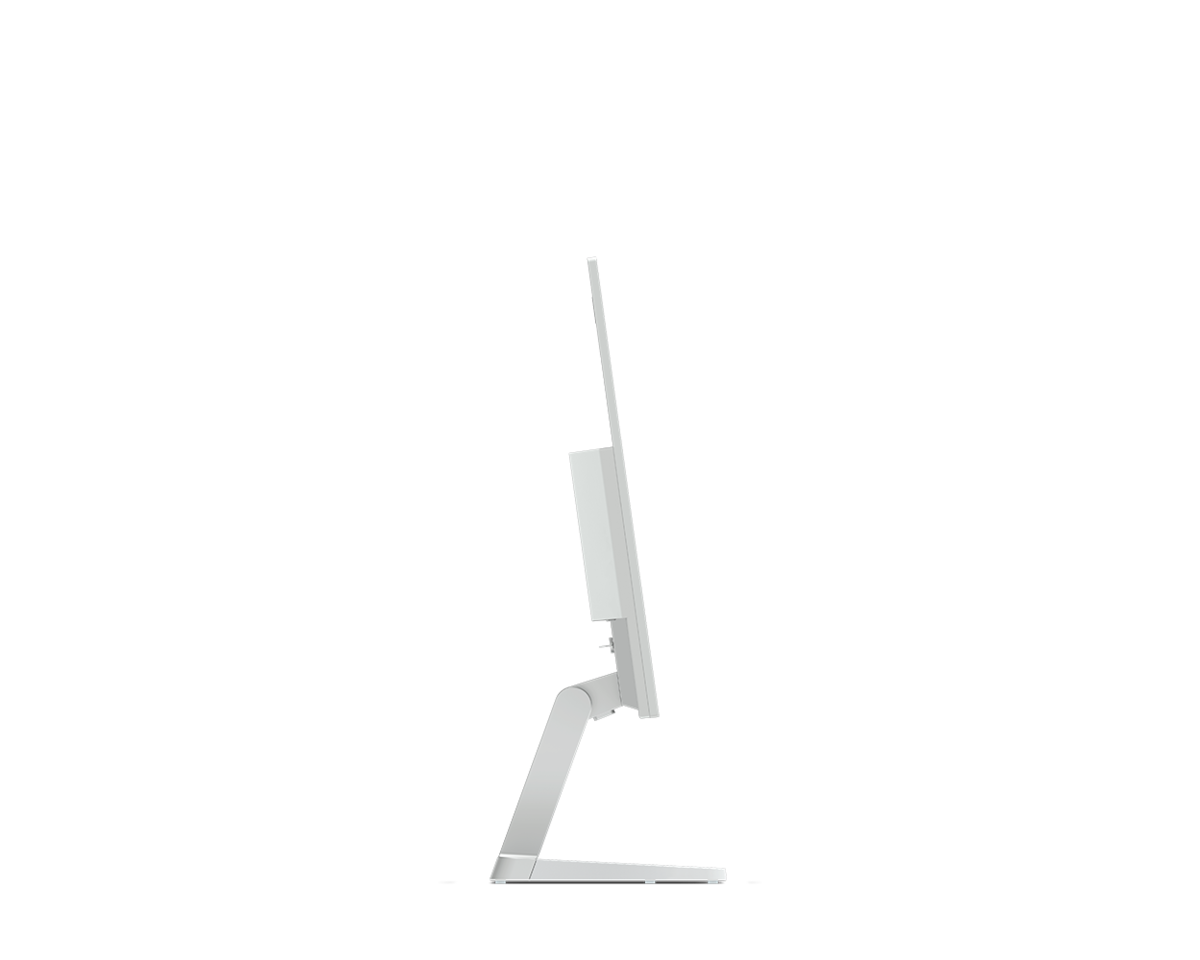

Lenovo Monitor 27-inch L27-4C, 144Hz 99% sRGB AMD FreeSync™
Description
Transform your workspace with the Lenovo L27-4c, a 27-inch monitor that strikes the perfect balance between professional productivity and immersive entertainment. Designed for the modern home office and the casual creator, this display offers a sleek, near-edgeless aesthetic paired with the high-performance connectivity of USB-C docking. Whether you're crunching numbers in a spreadsheet or streaming your favorite cinematic content, the L27-4c delivers vibrant clarity and eye-saving technology in one elegant package.
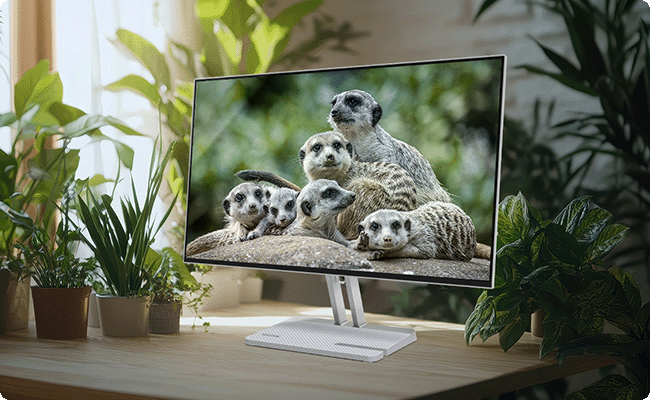
Lenovo Monitor 27-inch L27-4C
| Category | Specification |
|---|---|
| Brand | Lenovo |
| Model | L27-4C |
| Screen Size | 27 inch |
| Resolution | 1920 × 1080 (FHD) |
| Panel Type | IPS (4-side ultra-thin) |
| Refresh Rate | 144 Hz |
| Response Time | 4 ms (GTG), 1 ms (MPRT) |
| Brightness | 300 nits |
| Contrast Ratio | 1500:1 |
| Aspect Ratio | 16:9 |
| Color Coverage | 99% sRGB (112% sRGB) |
| Color Depth | 8-bit (6-bit + FRC) |
| Color Support | 16.7 Million |
| Viewing Angle | 178° / 178° |
| Eye Care | Yes (Low Blue Light) |
| Gaming Features | AMD FreeSync™ |
| Speakers | Yes (2 × 3W) |
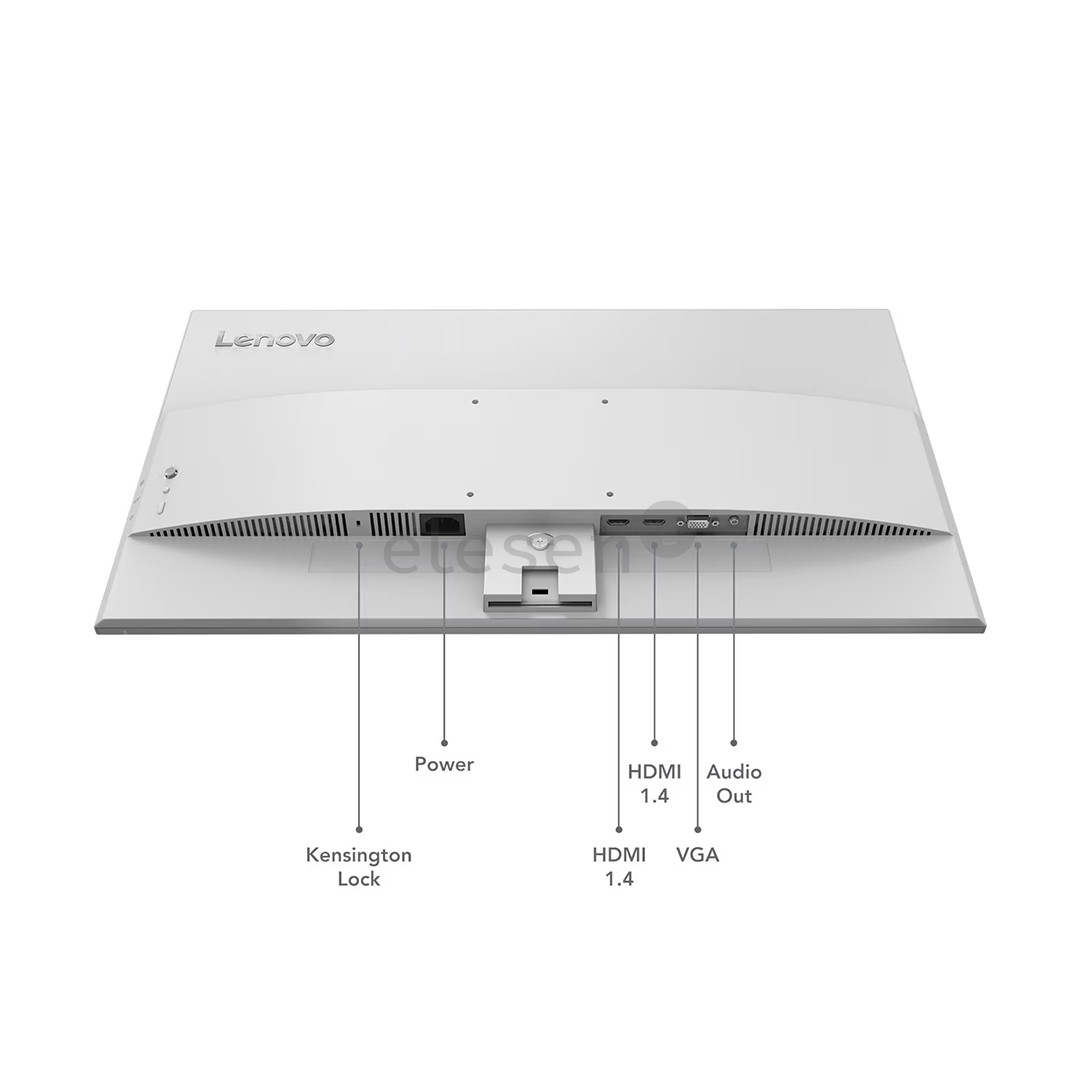
| Connectivity | 2 × HDMI 1.4, 1 × VGA, 1 × Audio Out (3.5mm) |
| USB Ports | No |
| USB-C | No |
| Stand Adjustments | Tilt (-5° to +22°) |
| VESA Mount | 100 × 100 mm |
| Weight (with stand) | 3.9 kg |
| Weight (monitor only) | 2.9 kg |
| Dimensions (with stand) | 611.5 × 181.5 × 474.6 mm |
| Power Supply | AC 100–240V (50–60Hz) |
| Power Consumption | 18.5W (Typical), 31.5W (Max) |
| Included Accessories | Power Cable, HDMI Cable, Screw, User Guide |
| Software Support | AMD FreeSync™, Lenovo Artery |
| Warranty | 3 Years |
Lenovo Monitor 27-inch L27-4C Details
The Power of One-Cable Connectivity
The "C" in L27-4c stands for convenience. Featuring a fully functional USB-C port, this monitor acts as a docking station. With a single cable, you can transmit video signals, data, and power to your laptop (up to 65W Power Delivery).
💡 Egypt Tip: Given the increasing popularity of remote work in Cairo and Alexandria, this "Single Cable" setup is a lifesaver for keeping small home desks clutter-free and organized.
Vibrant Visuals with Smooth Motion
Don't let the "business" look fool you. With a 144Hz refresh rate, the Lenovo L27-4c offers significantly smoother scrolling and animations compared to standard 60Hz screens. The VA panel provides deep blacks and a high 3000:1 contrast ratio, making it an excellent choice for watching movies or photo editing where color depth matters.
All-Day Comfort for Your Eyes
Staring at a screen for hours can lead to fatigue. Lenovo has equipped this monitor with Eyesafe 2.0 and Natural Low Blue Light technology. Unlike software-based filters that turn your screen yellow, this hardware solution protects your eyes while maintaining color accuracy, ensuring you stay productive without the strain.

Thoughtful, Space-Saving Design
The L27-4c is built for the modern user. The base includes a dedicated phone slot, so you can keep your smartphone upright and visible for notifications while you work. The 3-side NearEdgeless bezels also make it a prime candidate for a dual-monitor setup, providing a nearly seamless transition between screens.

Frequently Asked Questions (FAQs)
1. Can I charge my laptop through the monitor?
Yes! If your laptop supports charging via USB-C (Power Delivery), the Lenovo L27-4c can provide up to 65W of power, meaning you can leave your laptop's power brick in your bag.
2. Is the 144Hz refresh rate good for gaming?
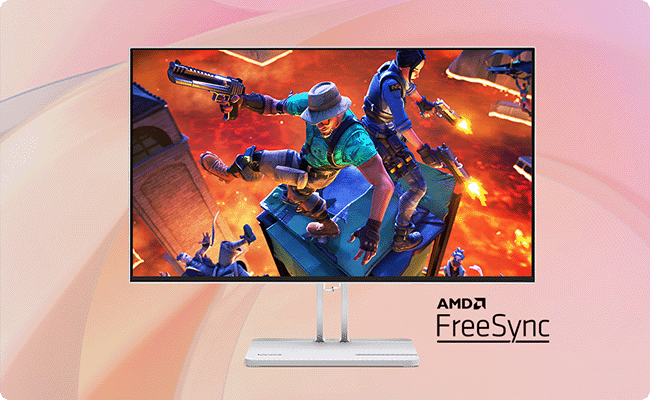
While not a dedicated "pro-gaming" monitor, the 144Hz refresh rate and AMD FreeSync™ support provide a much smoother experience for casual gaming and daily tasks than traditional 60Hz monitors.
3. Does this monitor have built-in speakers?
Yes, it features two 3W integrated speakers, which are perfect for video calls, YouTube videos, and casual listening without needing external desk speakers.
4. Can I mount this monitor on the wall?
Yes, the L27-4c is VESA mount compatible (100 x 100 mm), allowing you to attach it to wall mounts or articulating monitor arms to save even more desk space.
5. What is the advantage of a VA panel over an IPS panel?
VA panels generally offer much better contrast ratios (3000:1 vs 1000:1 in most IPS). This means blacks look "blacker" rather than dark grey, making it superior for watching media in dimly lit rooms.
6. Does it come with a USB-C cable in the box?
Typically, Lenovo includes the necessary cables (like USB-C or HDMI) depending on the region, but it is always recommended to check the specific retailer’s package contents.