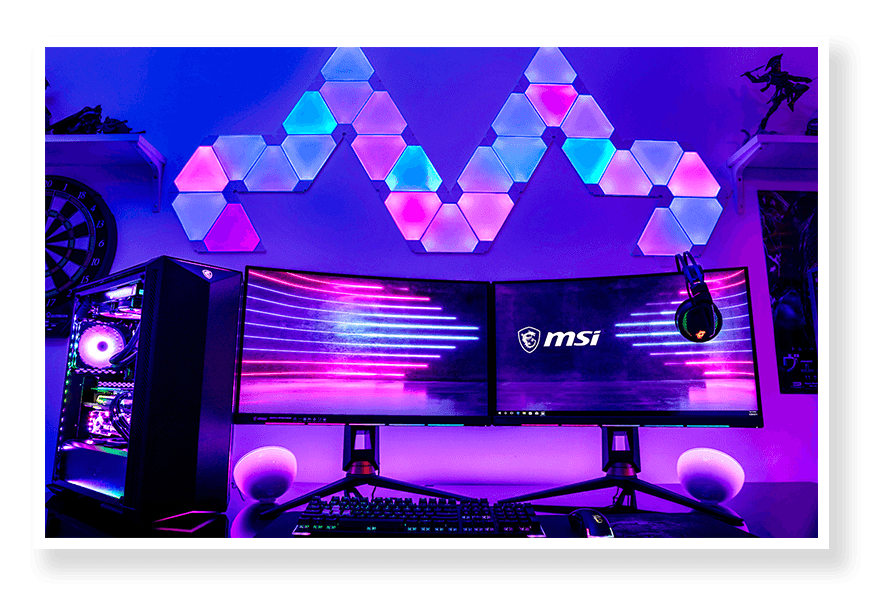
Picking a monitor in 2026 is genuinely more complicated than it used to be. Not because there are fewer options — but because there are more. OLED panels, 240Hz refresh rates, portable triple-screen extenders, curved QHD displays — every category has expanded. And for users in Egypt trying to figure out what's actually worth buying versus what's just spec-sheet noise, it can quickly feel overwhelming.
Whether you're a competitive gamer who can't afford input lag, a designer who lives and dies by color accuracy, a student who needs something affordable for studying and casual gaming, or someone setting up a proper work-from-home station in Egypt, this guide breaks down the best monitors available right now at XPRS Egypt . It helps you find the right fit without wasting money on specs you'll never use.

How to Pick the Right Monitor?
Before diving into picks, three things matter more than anything else:
- Refresh rate — 60Hz is the bare minimum for comfortable daily use. 144Hz and above make everything feel smoother, especially in games. If you game at all, aim for 144Hz+.
- Panel type — IPS panels give you good colors and wide viewing angles. QD-OLED panels give you stunning contrast and color depth. Rapid IPS is a newer variant that reduces motion blur. VA panels offer deep blacks. Each serves a different use case.
- Resolution — FHD (1080p) is still solid for 24-inch monitors. QHD (1440p) is the sweet spot for 27–32 inch screens. 4K makes sense for creative work or large displays where you sit close.
Now, let's get into the actual picks.
Best Gaming Monitors in Egypt 2026
MSI MAG 244F — Best 24" Budget Gaming Monitor
The MSI MAG 244F is a flat Rapid IPS panel running at 200Hz with a 24-inch FHD display. For competitive gaming — whether you're playing shooters, sports games, or RPGs — this hits all the right notes without asking too much of your wallet. 200Hz is a serious refresh rate, motion clarity is sharp, and the Rapid IPS panel keeps colors honest.
If you're gaming at a desk in Egypt and don't want to drop significant money just to get smooth gameplay, this is where to start.
Best for: Competitive gamers, beginner gaming setups, tight budgets
Lenovo Legion R24e — Best Entry-Level 180Hz Gaming Monitor
The Lenovo Legion R24e is a 23.8-inch IPS FHD display running at 180Hz. It's positioned as an entry-level gaming monitor, but 180Hz is genuinely fast — you'll feel the difference against a standard 60Hz or even 100Hz panel instantly. It's clean, no-nonsense, and pairs well with a mid-range GPU.
For university students in Egypt who game in the evenings and need a display that handles both assignments and Valorant sessions without switching modes, this one fits naturally.
Best for: Students, casual-to-competitive gamers, first gaming monitor upgrade

Lenovo Legion R27fc-30 — Best Curved Gaming Monitor
The Lenovo Legion R27fc-30 brings a curved 27-inch FHD panel to the lineup. Curved screens are either something you love immediately or something that grows on you — but at 27 inches, the curve adds a real sense of immersion, especially in open-world games or racing titles. The FHD resolution at 27 inches is slightly softer than QHD, so if pixel sharpness is your priority, consider stepping up. But if immersion matters more than pixel density, this is a great pick.
Best for: Immersive gaming, simulation games, users upgrading from flat screens

Lenovo Legion 32" R32qc-30 — Best QHD 180Hz Gaming Monitor
The Lenovo Legion R32qc-30 is where the Legion gaming line steps up seriously. A 32-inch curved QHD panel running at 180Hz with 0.5ms response time and 99% sRGB color coverage. This is not just a gaming monitor — it's a display you'll enjoy everything on. The jump from FHD to QHD at 32 inches is immediately visible. Text is sharper, game environments have more detail, and the curved format pulls you into the picture.
If you're building a long-term gaming and content setup and want something that won't feel outdated in a few years, the R32qc-30 is worth serious consideration.
Best for: Enthusiast gamers, dual gaming/creative use, larger desk setups
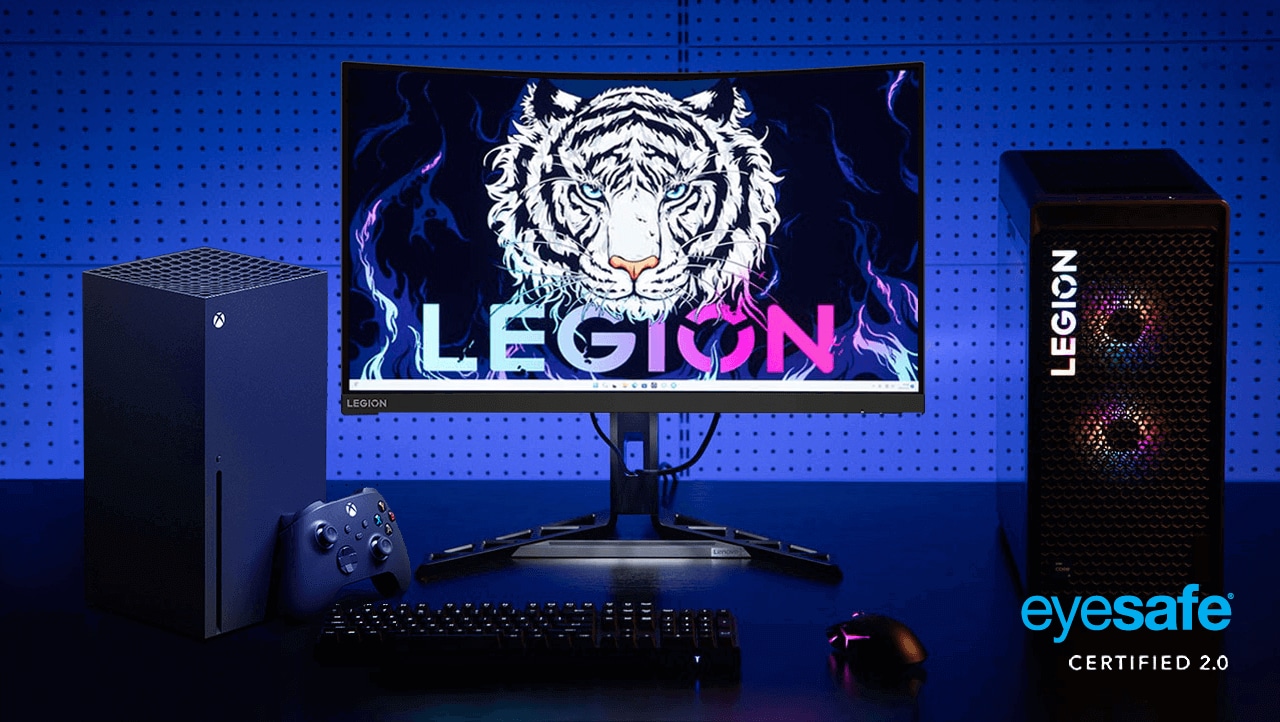
Lenovo Legion 24-10 — Best 240Hz Gaming Monitor for Competitive Play
The Lenovo Legion 24-10 is the fastest panel in the lineup. A 23.8-inch FHD IPS display at 240Hz with 0.5ms response time. At 240Hz, the screen updates so frequently that motion in fast-paced games looks almost perfectly smooth — ghosting is essentially invisible and aiming feels more precise. If you take competitive gaming seriously, this is where raw performance sits.
Best for: Competitive FPS players, esports-focused setups, PC gamers prioritizing speed over screen size

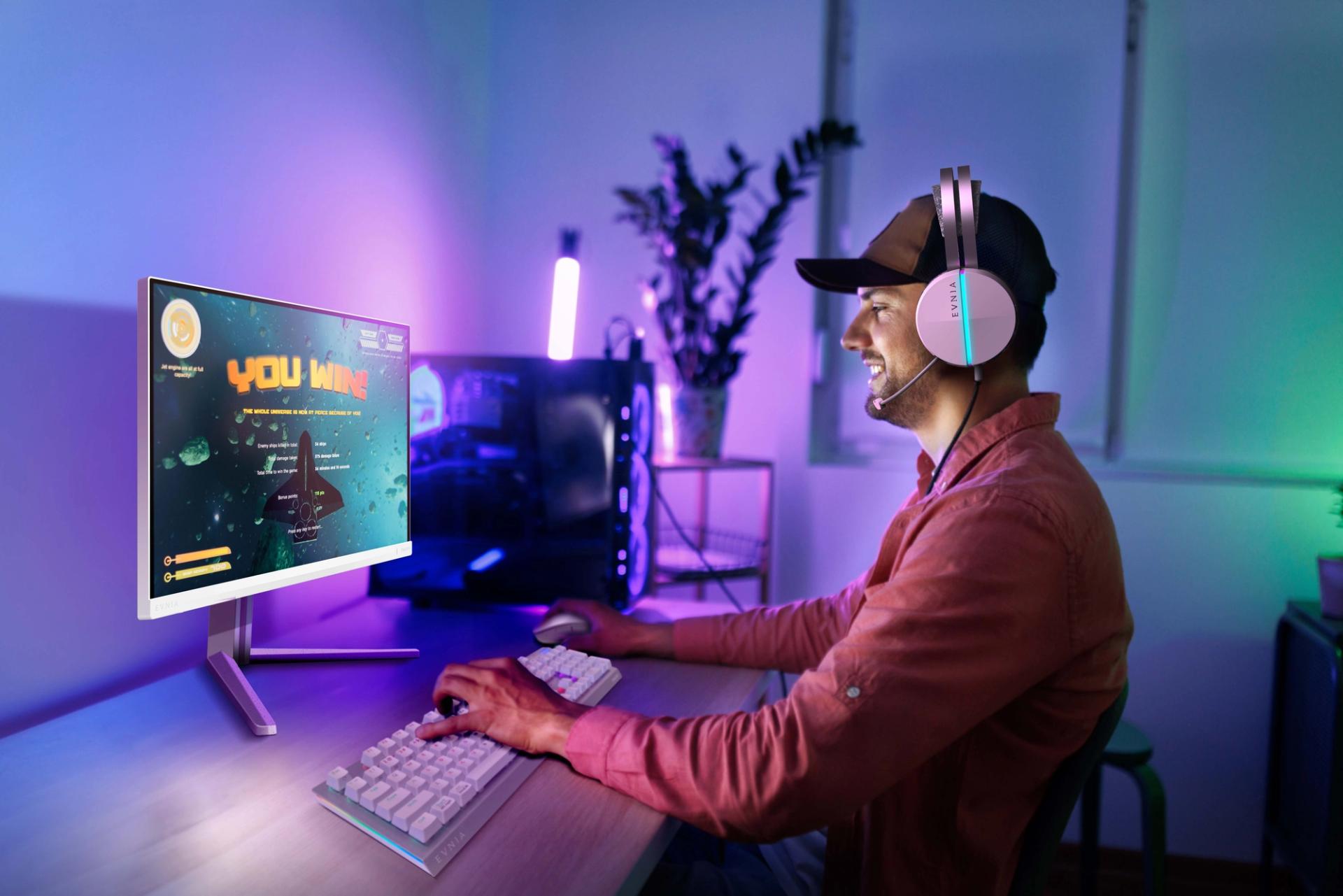
Philips Evnia 27" QHD 180Hz — Best Premium Gaming Monitor Under QD-OLED
The Philips Evnia 27" brings a 27-inch IPS panel with QHD resolution at 180Hz. It's a solid middle ground between resolution, refresh rate, and screen size — one of the most balanced gaming monitors in the lineup. QHD at 27 inches gives you noticeably more detail than FHD without needing a high-end GPU to push it at full refresh rates.
Best for: Gamers who want sharpness and speed without going OLED
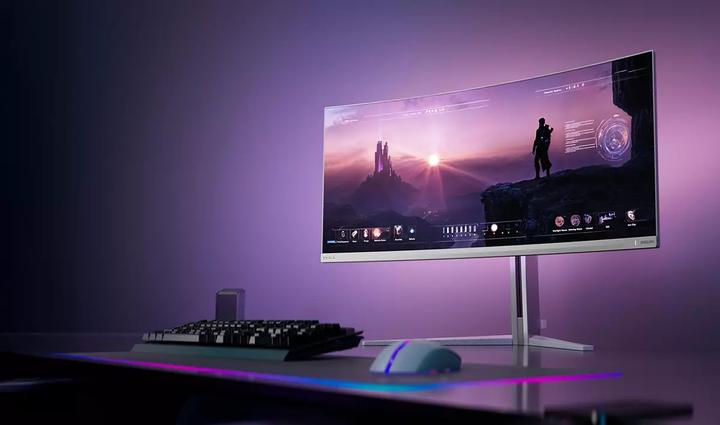
Philips Evnia 34" Curved QHD 175Hz — Best Ultrawide Gaming Experience
The Philips Evnia 34" Curved is the widest gaming option here. At 34 inches with QHD resolution and 175Hz refresh rate, and an ultra-low 0.03ms response time, this is built for immersion. The ultrawide format is particularly good for simulation games, open-world titles, and anyone who wants their display to feel like a cockpit rather than a window.
It also works brilliantly as a productivity monitor, giving you space to keep multiple windows open side-by-side without the need for dual screens.
Best for: Simulation and open-world gamers, ultrawide fans, dual work-and-gaming setups
Best QD-OLED Monitors in Egypt 2026
OLED is a different kind of display experience. True blacks, colors that feel almost physical, and contrast that no regular LCD panel can replicate. If you've never used one, it genuinely changes how you see a screen.

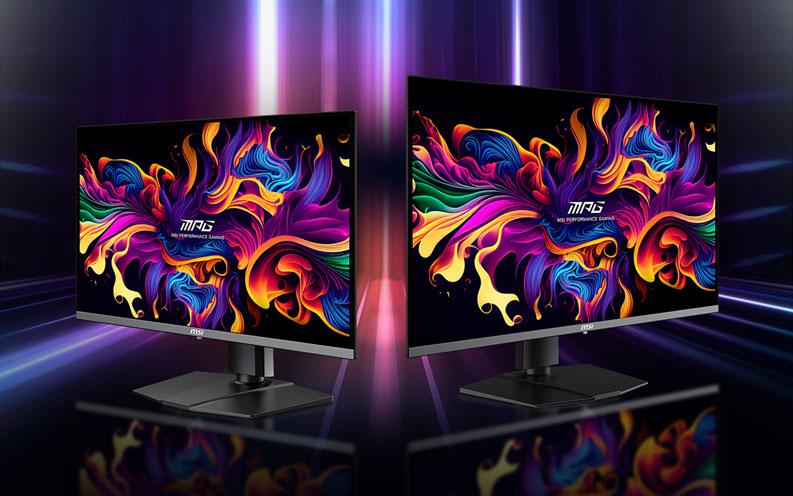
MSI MAG 272QP QD-OLED & MSI MAG 273QP QD-OLED X24 — 27" OLED Gaming
Both the MSI MAG 272QP and MAG 273QP bring QD-OLED panel technology to 27-inch screens designed for gaming. QD-OLED combines quantum dot color accuracy with OLED's pixel-level contrast — the result is a panel that renders deep blacks and saturated colors simultaneously, which standard IPS panels can't do.
For gaming specifically, the difference shows in dark environments. Shadows in horror games, lighting in RPGs, explosions against night skies — OLED handles all of it with clarity that backlighting simply can't replicate.
Best for: Enthusiast gamers, content creators who game, anyone who wants the best visual experience
MSI MPG 321URX QD-OLED — The 32" Statement Monitor
The MSI MPG 321URX QD-OLED is a 32-inch QD-OLED display — one of the most impressive panels on this entire list. At 32 inches, the OLED panel has the physical space to really show what it can do. This is the kind of monitor that people sit down in front of and immediately notice something different.
It's a serious investment, and it delivers a serious experience. Creators, enthusiast gamers, and professionals who spend significant time in front of a screen will appreciate this one the most.
Best for: High-end gaming setups, creative professionals, users who want the best available panel technology

Best Monitors for Work, Programming & Graphic Design
ViewSonic VP2768A 27" — Best Monitor for Color-Accurate Work
The ViewSonic VP2768A is built for professionals who need accuracy over speed. It's a 27-inch 2K monitor with Pantone Validated color certification and 100% sRGB coverage — paired with a docking station design that reduces cable clutter on your desk.
If you work in graphic design, photography editing, UI/UX design, or video production, color accuracy matters more than refresh rate. The VP2768A delivers that accuracy out of the box without needing extensive calibration.
Best for: Graphic designers, photo editors, video producers, Mac Mini users, professional workstations
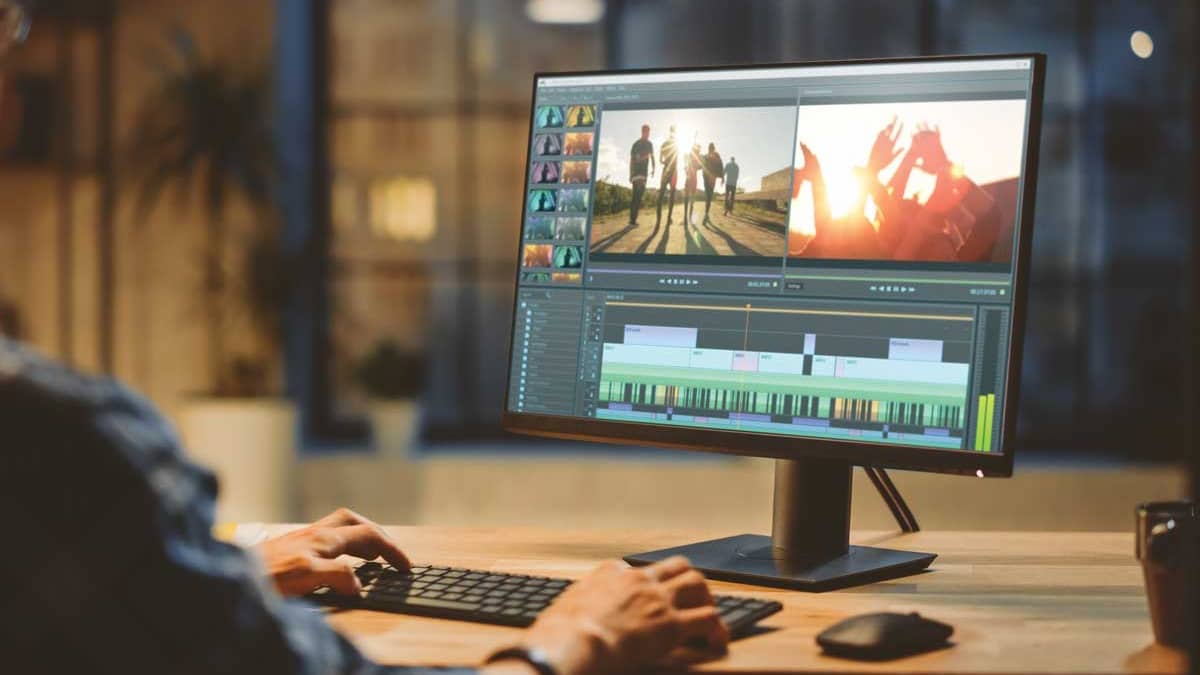
Lenovo L27-4C — Best Everyday Work Monitor with a 144Hz Bonus
The Lenovo L27-4C is a 27-inch monitor running at 144Hz with 99% sRGB. It's positioned for work use, but the 144Hz refresh rate means it doubles well as a casual gaming display. AMD FreeSync support makes it compatible with AMD graphics cards and many gaming consoles, too.
For remote workers in Egypt who also game on evenings and weekends, this is a genuinely versatile pick.
Best for: Work-from-home setups, versatile daily-driver monitors, hybrid work-and-gaming users
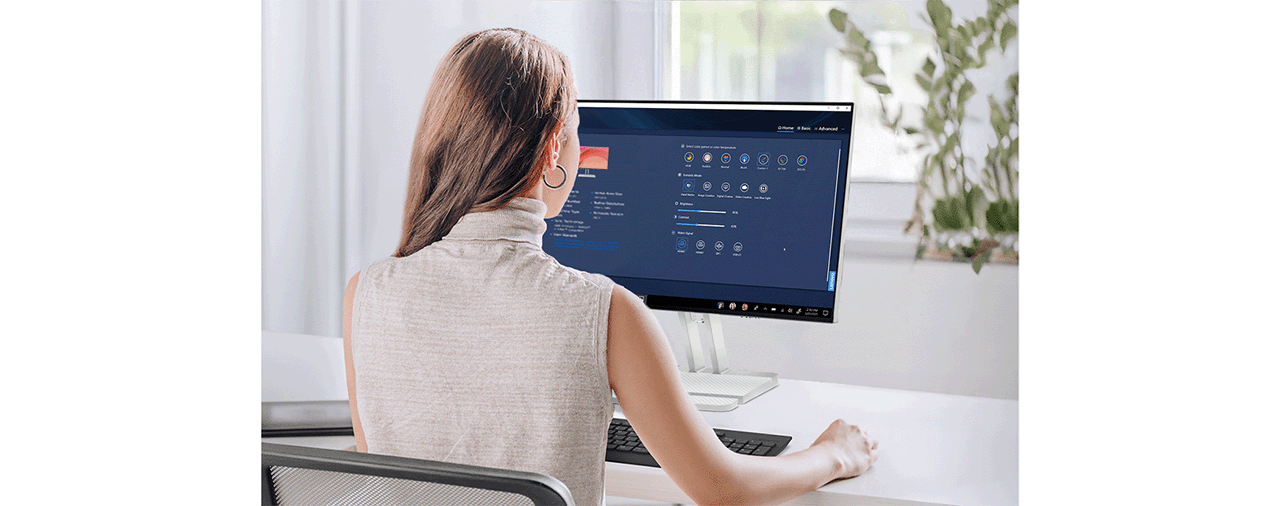
Lenovo L24i-4A — Best Entry-Level Work Monitor
The Lenovo L24i-4A is a 23.8-inch IPS FHD display at 100Hz. Simple, clean, and reliable. It's the kind of monitor that handles spreadsheets, video calls, document editing, and browsing without any complaints — and it's priced reasonably enough to be a practical choice for students or anyone setting up a basic home workspace.
Best for: Students, basic work-from-home setups, budget-conscious buyers
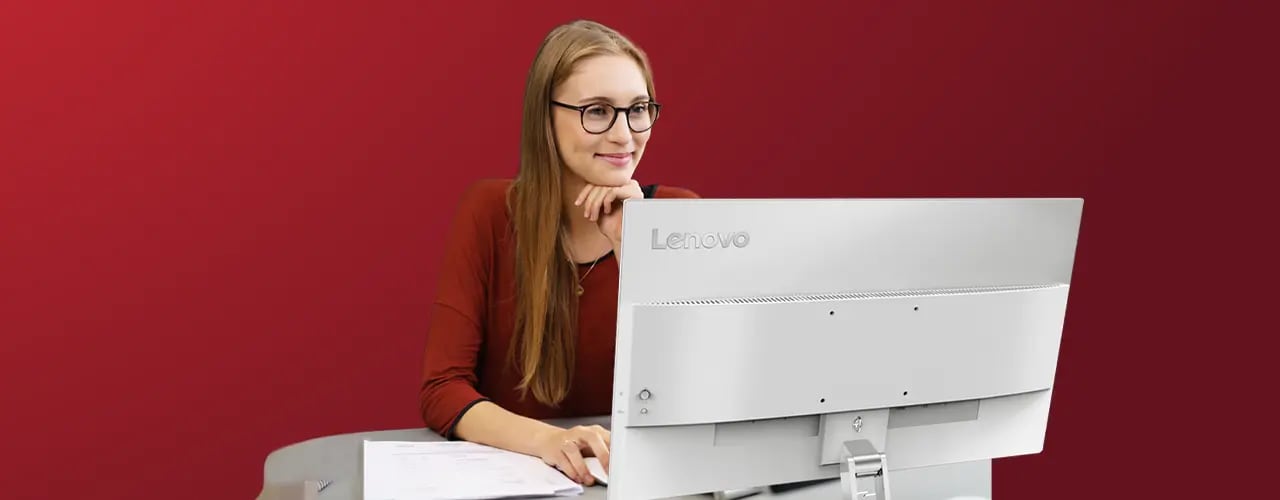
MSI PRO MP251 E2 — Best 25" Office Monitor
The MSI PRO MP251 E2 sits at 25 inches with IPS FHD at 120Hz. It's from MSI's professional lineup and brings solid everyday performance for office use. The 25-inch size is a nice middle ground — bigger than a typical laptop screen, smaller than something you need to move your head to read. Good for tight desk spaces or side-monitor setups.
Best for: Office setups, dual-monitor configurations, secondary display use

Best Portable Monitors in Egypt 2026
Portable monitors aren't just for travel — they're practical for anyone with a laptop in Egypt who works across multiple locations: at home, at a café, at university, or at a client site. V2Com has built a strong lineup specifically for this use case.
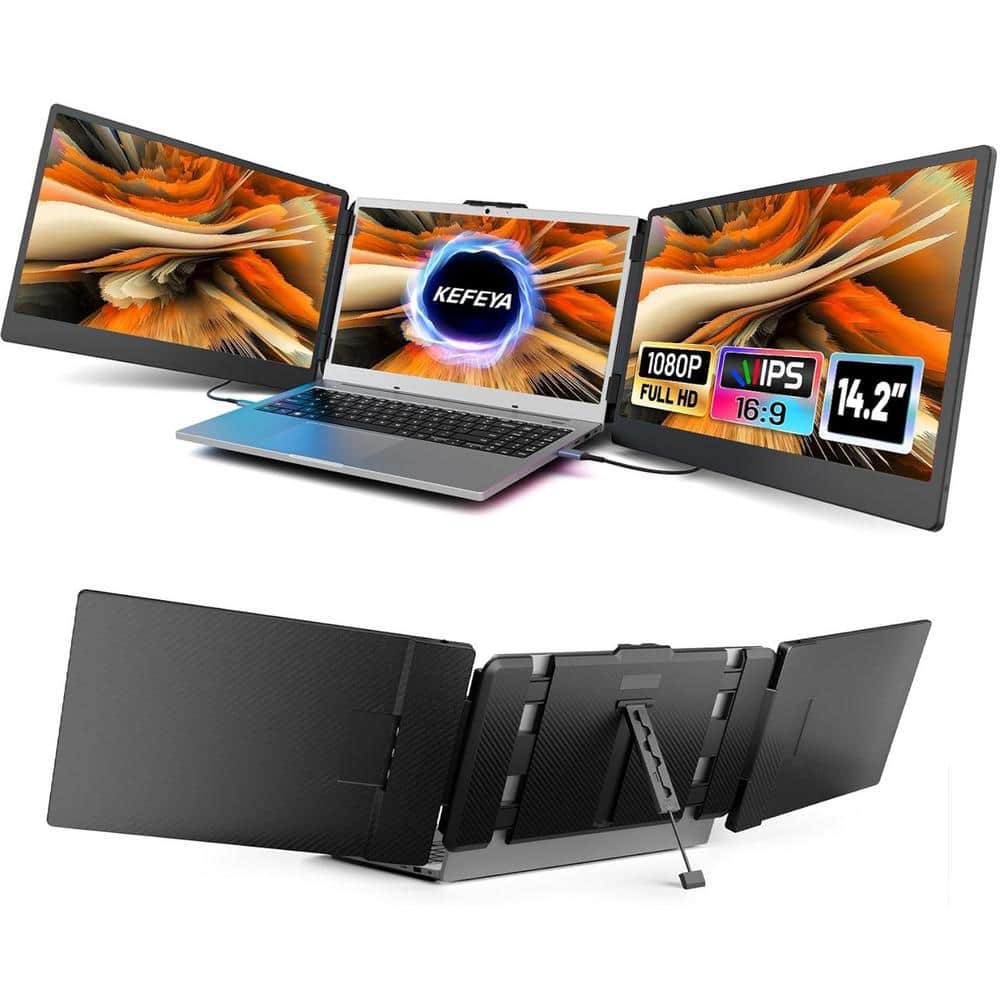
V2Com P4 15.6" — Best Single Portable Screen
The V2Com P4 is a 15.6-inch FHD portable screen that attaches to your laptop and gives you immediate dual-screen capability wherever you are. Plug it in, prop it up, work smarter. For anyone who's tried working off a single laptop screen for hours, the productivity difference is immediate.
Best for: Remote workers, students, travelers, anyone who needs a second screen on the go

V2Com S2 14" FHD Triple Portable Screen Extender — Best Compact Triple Setup
The V2Com S2 is a 14-inch FHD triple-screen portable extender. Three screens from a single laptop. That's a meaningful statement for anyone working in data analysis, trading, development with multiple terminals, or client presentations, where you need reference material and your main workspace visible simultaneously.
Best for: Power users, developers, analysts, professionals working across multiple windows
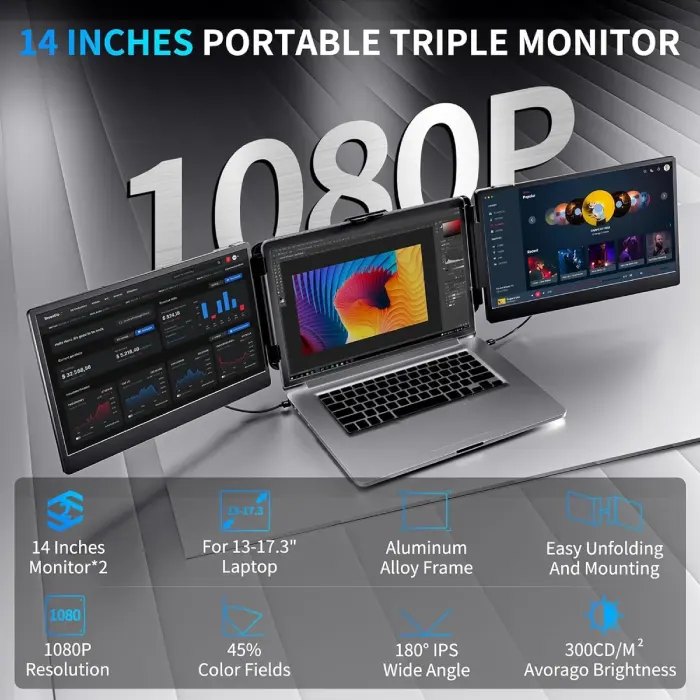
V2Com S6 15.6" Triple Portable Screen Extender — Best Large Triple Setup
The V2Com S6 is the 15.6-inch version of the triple extender concept — three screens at a larger size. If you need the triple configuration but prefer more screen real estate per panel, the S6 gives you that. It's a statement setup, and for anyone who works seriously on a laptop, it removes the single biggest frustration of portable computing: not having enough screen space.
Best for: Serious laptop power users, remote professionals, anyone who has outgrown a dual-screen setup

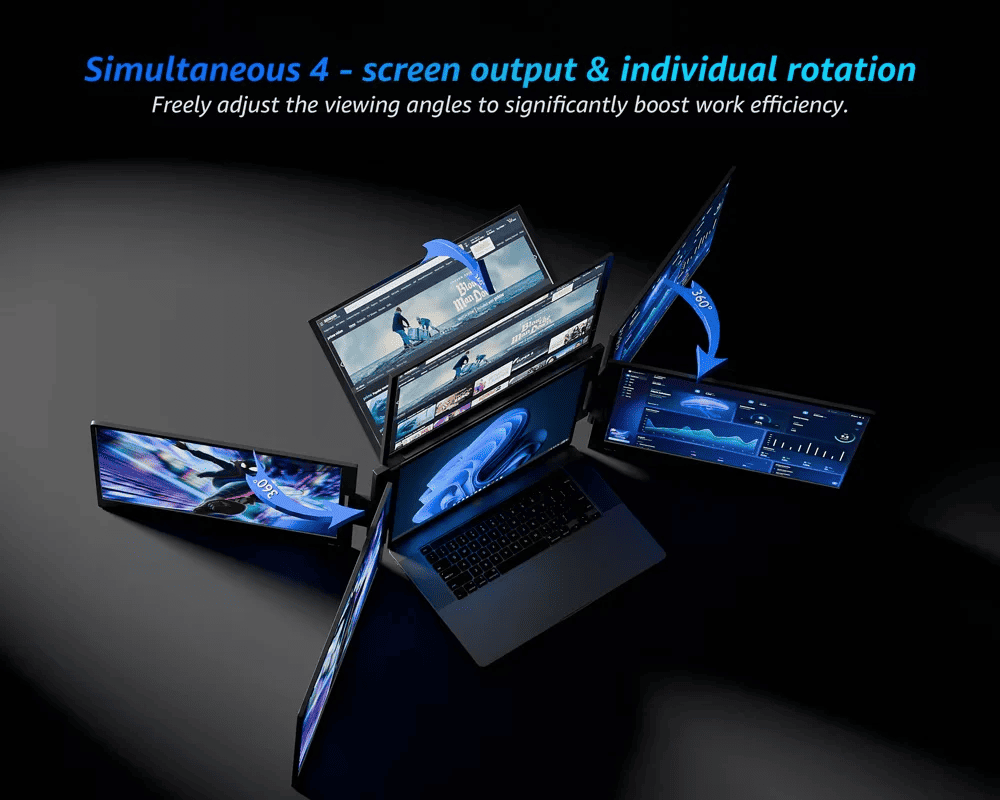
V2Com W3 15.6" Quad Screen Extender — Four Screens from One Laptop
The V2Com W3 takes the concept furthest. A 15.6-inch quad-screen extender that turns your laptop into a four-display workstation. This is genuinely impressive from a practical standpoint — if you're a developer running multiple environments, a trader watching multiple charts, or a creator working across multiple applications simultaneously, four screens from one laptop is something most people haven't tried and tend not to go back from.
Best for: Power users who need maximum screen real estate from a portable setup
Quick Comparison Table
|
Monitor |
Size |
Resolution |
Refresh Rate |
Best For |
|
MSI MAG 244F |
24" |
FHD |
200Hz |
Budget competitive gaming |
|
Lenovo Legion R24e |
23.8" |
FHD |
180Hz |
Entry-level gaming |
|
Lenovo Legion 24-10 |
23.8" |
FHD |
240Hz |
Competitive FPS gaming |
|
Lenovo Legion R27fc-30 |
27" |
FHD |
[VERIFY] |
Curved gaming, immersion |
|
Lenovo Legion R32qc-30 |
32" |
QHD |
180Hz |
Enthusiast gaming + creative |
|
Philips Evnia 27" |
27" |
QHD |
180Hz |
Premium gaming, balanced |
|
Philips Evnia 34" Curved |
34" |
QHD |
175Hz |
Ultrawide gaming |
|
MSI MAG 272QP QD-OLED |
27" |
[VERIFY] |
[VERIFY] |
OLED gaming |
|
MSI MPG 321URX QD-OLED |
32" |
[VERIFY] |
[VERIFY] |
High-end OLED |
|
ViewSonic VP2768A |
27" |
2K |
60Hz |
Design & professional work |
|
Lenovo L27-4C |
27" |
FHD |
144Hz |
Work + casual gaming |
|
Lenovo L24i-4A |
23.8" |
FHD |
100Hz |
Basic work & study |
|
MSI PRO MP251 E2 |
25" |
FHD |
120Hz |
Office & dual monitor |
|
V2Com P4 |
15.6" |
FHD |
— |
Portable single screen |
|
V2Com S2 |
14" |
FHD |
— |
Portable triple screen |
|
V2Com S6 |
15.6" |
FHD |
— |
Portable triple screen |
|
V2Com W3 |
15.6" |
FHD |
— |
Portable quad screen |
Who Should Buy What — Egypt
If you're a competitive gamer who plays shooters and online multiplayer, the Lenovo Legion 24-10 at 240Hz or the MSI MAG 244F at 200Hz should be at the top of your shortlist. Raw refresh rate matters in fast competitive play, and both deliver it.
If you're gaming on PS5 or Xbox Series X, look at 27-inch options like the Philips Evnia 27" QHD or the Lenovo Legion R32qc-30. Consoles now support 4K and high refresh rates, and a larger, higher-resolution display gets the most out of what current-gen consoles offer. [LINK: PS5 Controllers]
If you work from home in Egypt and game at night: the Lenovo L27-4C at 144Hz with 99% sRGB handles both jobs without compromise — spreadsheets and Valorant on one screen, no switching setups.
If you're a graphic designer or creative professional, the ViewSonic VP2768A is the only Pantone-validated option in this lineup and the right choice when color accuracy is non-negotiable. Pair it with a Mac Mini for a clean, high-accuracy workstation.
If you want the best visual panel available, go OLED. The MSI MPG 321URX QD-OLED at 32 inches is as good as desktop display technology gets right now for most users.
If you work on a laptop and need more screen space on the go, V2Com's portable extender range solves this better than any other product category here. Start with the V2Com P4 for simplicity, or jump straight to the S2 Triple if you regularly need multiple windows open.
FAQs
What is the best gaming monitor for PS5 in Egypt?
For PS5, a 27-inch QHD monitor with HDMI 2.1 support and a refresh rate of 120Hz or higher gives you the best experience current-gen gaming has to offer. The Philips Evnia 27" QHD and the Lenovo Legion R32qc-30 are both strong choices. Confirm HDMI 2.1 support [VERIFY] before purchasing if you're specifically targeting PS5's highest modes.
Is QD-OLED worth the price for gaming in Egypt?
If you're building a setup you plan to use for several years and spend a significant amount of time gaming or creating, QD-OLED is genuinely worth it. The contrast ratio and color depth are on a different level from standard IPS. If the budget is tight, a high-refresh IPS monitor will still serve you well — but once you use OLED, it's hard to unsee the difference.
What's the best monitor for graphic design or photo editing?
The ViewSonic VP2768A with Pantone Validation and 100% sRGB is the clearest choice for color-critical work. It's designed specifically for professionals who need what they see on screen to match what they print or export.
Are portable monitors worth it for Egyptian users?
Absolutely. Many professionals in Egypt split time between home, cafés, client offices, and co-working spaces. A portable monitor like the V2Com P4 or V2Com S2 turns any laptop into a proper multi-screen setup — no heavy equipment required.
What monitor size should I get for a standard desk setup?
27 inches is generally the most comfortable size for a single-monitor desk setup at standard viewing distances (60–80cm). 24 inches works well for smaller desks or closer-range setups. 32 inches and above benefits from more distance or ultrawide formats.
What's the difference between 144Hz and 240Hz for gaming?
Both are significantly smoother than 60Hz. The jump from 60Hz to 144Hz is immediately noticeable. The jump from 144Hz to 240Hz is more subtle but meaningful for competitive players whose reaction times operate in milliseconds. For casual and enthusiast gamers, 144Hz–180Hz is the sweet spot. For competitive play at a high level, 240Hz is the target.
Find Your Monitor at XPRS Egypt
The range available at XPRS covers every meaningful use case — from budget 24-inch gaming panels to 32-inch QD-OLED displays, from color-accurate professional screens to four-screen portable extenders that travel with your laptop.
Browse the full collection by what you actually need:
If you're not sure where to start, narrow it down by your primary use case first — gaming, work, or portable — and let the specs follow from there. The best monitor is always the one that fits your real usage, not just the one with the highest number on the box.